How can I preview a tattoo on my own photo?
Use a clear photo and a transparent tattoo design, then adjust position, scale, rotation and opacity in the photo try-on editor
Last updated: 2026-10-04
Use a clear photo and a transparent tattoo design, then adjust position, scale, rotation and opacity in the photo try-on editor. This is a two-dimensional planning preview, not a calibrated size measurement or a prediction of healed ink.
What do I need?
Use a PNG, JPEG or WebP photo under 10 MB. Photograph the intended skin area in even light, with the camera facing it rather than at a steep angle. Leave clothing and joint boundaries visible. A transparent PNG design avoids a rectangular background.
How do I make the preview?
- Open the photo try-on editor and select your body photo.
- Select your tattoo artwork. Move it over the visible skin patch.
- Adjust scale and rotation to follow the long axis of the body area.
- Adjust opacity while checking that uninked spaces still show skin.
- Compare the original and preview, then download the result for discussion with an artist.
What should I check before keeping it?
Do not let artwork cross sleeves, hair or a joint crease accidentally. If the design extends around a limb, one photograph cannot validate the hidden side: take another view rather than assuming a 360-degree fit.
Is this a 3D simulation?
No. The current editor composites artwork onto a photograph using Canvas. It does not reconstruct a body mesh, measure centimeters or automatically wrap ink around curves. Ask an artist to confirm actual dimensions and placement.
What about my photo?
Selecting a file in the current photo editor creates a local browser preview; it is not itself an AI generation request. This differs from submitting content to an AI tool. See the photo privacy guide for that distinction.
Next steps and support
Open the related tools and guides below. For support, email support@3dtattoo.app.
Placement examples
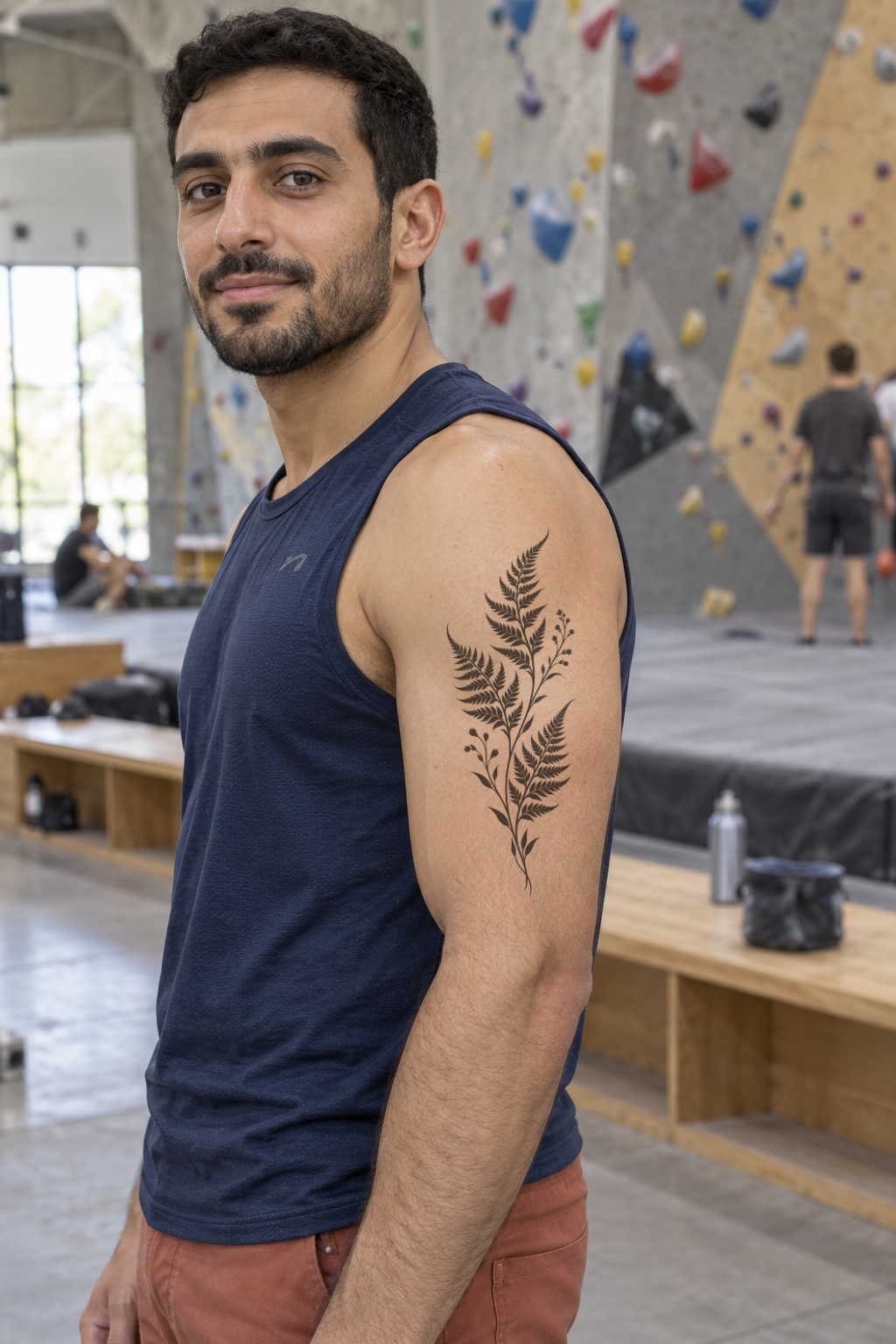
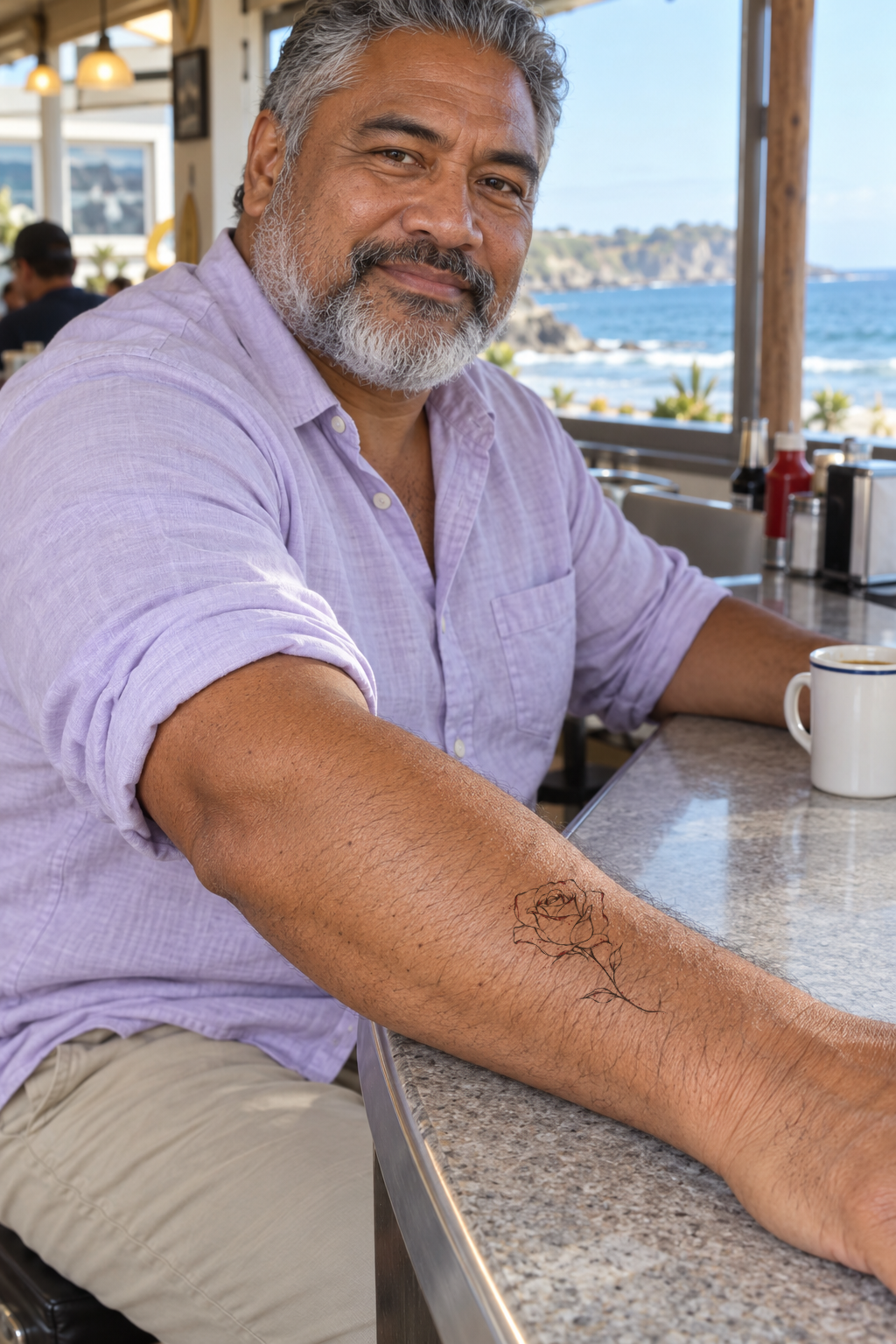
Generated adult reference images with 2D photo placement previews, not real completed tattoos or verified 3D wraps.