
01
Add a tattoo design
Upload your own design or start with a flash created in the 3D Tattoo studio.
Combine your body photo with any tattoo design, fine-tune the placement, and download a realistic reference before speaking with an artist.
Manually compress and slant the design to match the photo angle. This does not detect skin, bend around joints, or reconstruct 3D surfaces. Keep the design inside visible skin and ask your artist to check the fit.
Processed locally in your browser · photos are never uploaded · no credits
Drag the tattoo frame to move it; drag a corner to resize proportionally. Editing shows the full try-on. Arrow keys also work; sliders offer fine adjustment.
Your inspiration archive
No saved previews yet. Create your first virtual tattoo placement to get started.
Private virtual tattoo preview
Combine a body photo with your tattoo design, then fine-tune placement and scale until the idea feels right.
Try a virtual placement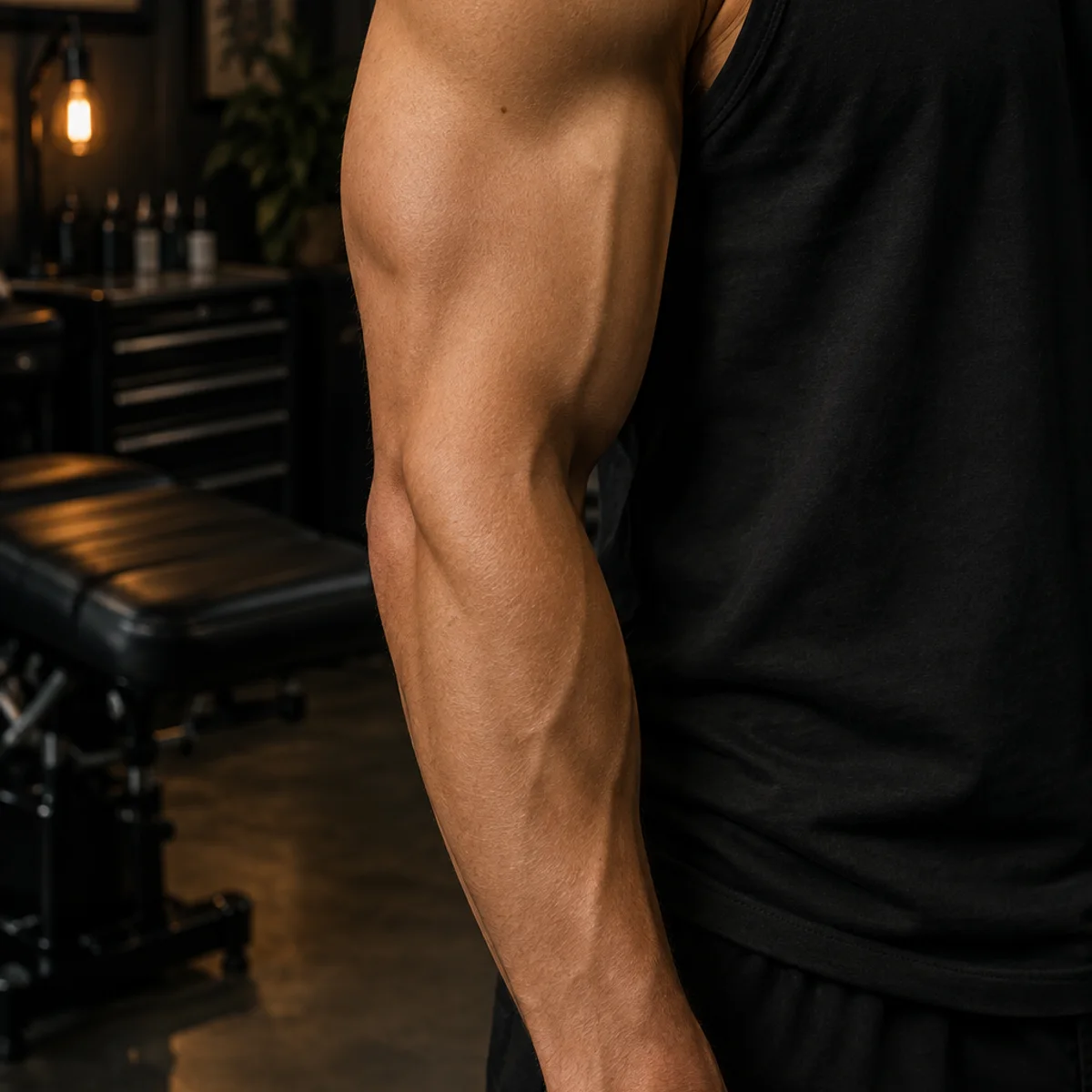
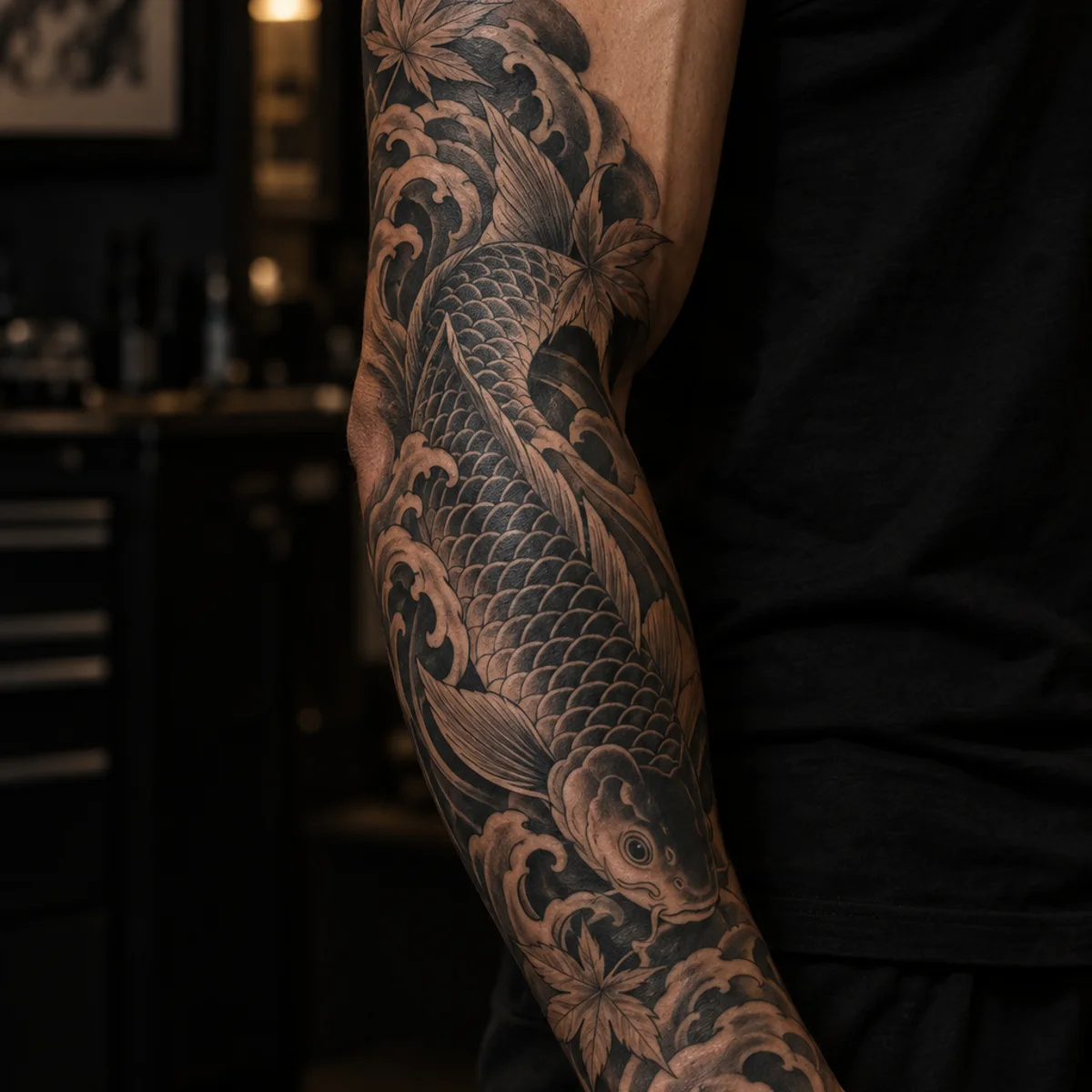
Preview before the needle
Test a new tattoo on your own body photo before you decide on the design, size or placement. It is a calmer way to explore your first piece or the next one.
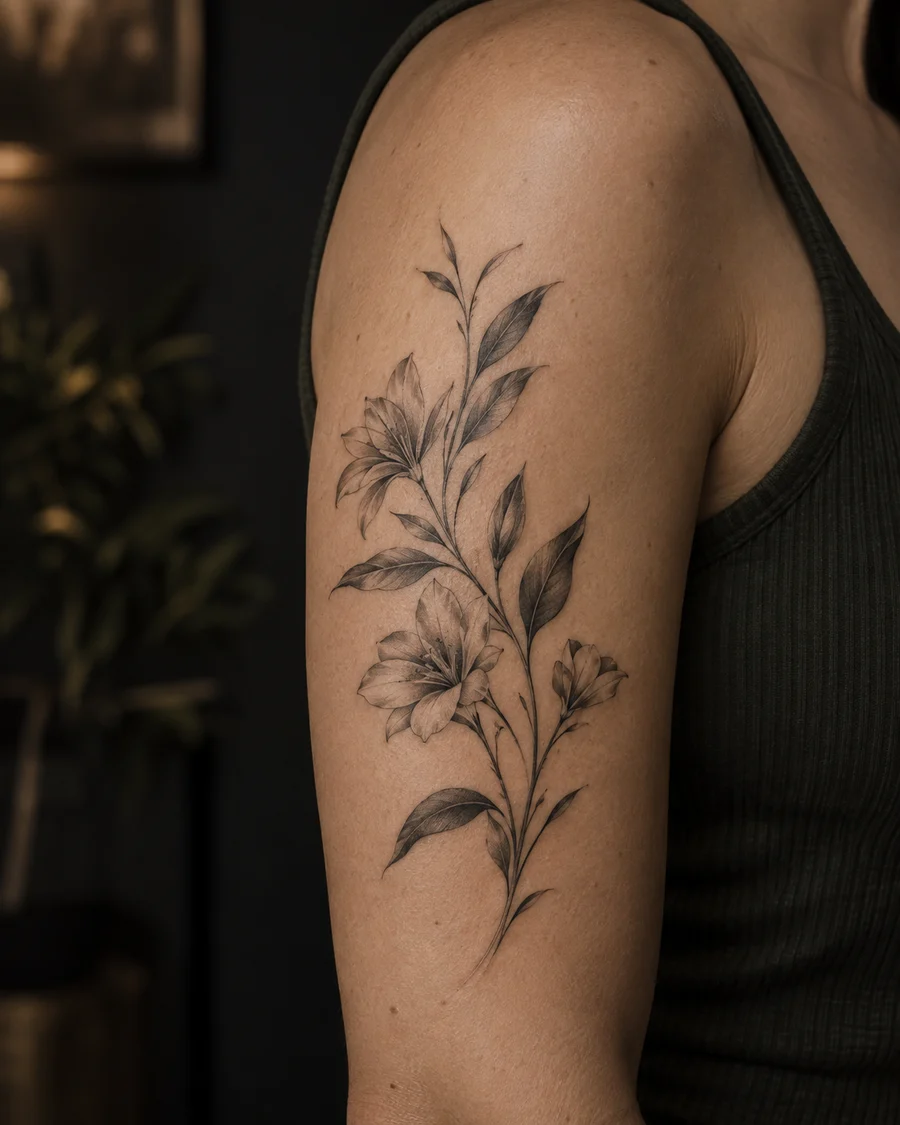
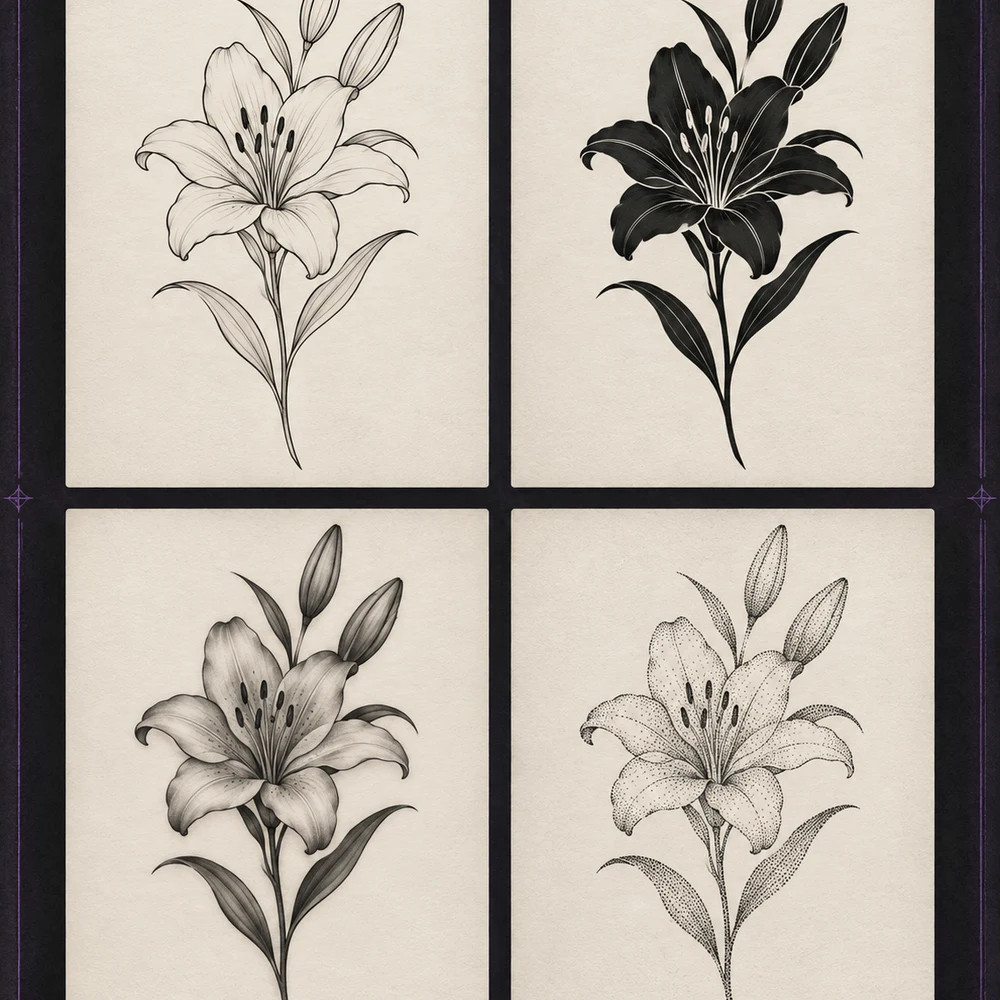
Your placement, your call
Move, resize, rotate and blend your design with a simple control set. Compare several placements before sharing a clear reference with your artist.
Clearer conversations, faster decisions
Turn placement, scale and ink treatment into one clear reference. Compare versions before your appointment so the conversation starts with confidence.
Simple five-step workflow
Upload your own design or start with a flash created in the 3D Tattoo studio.
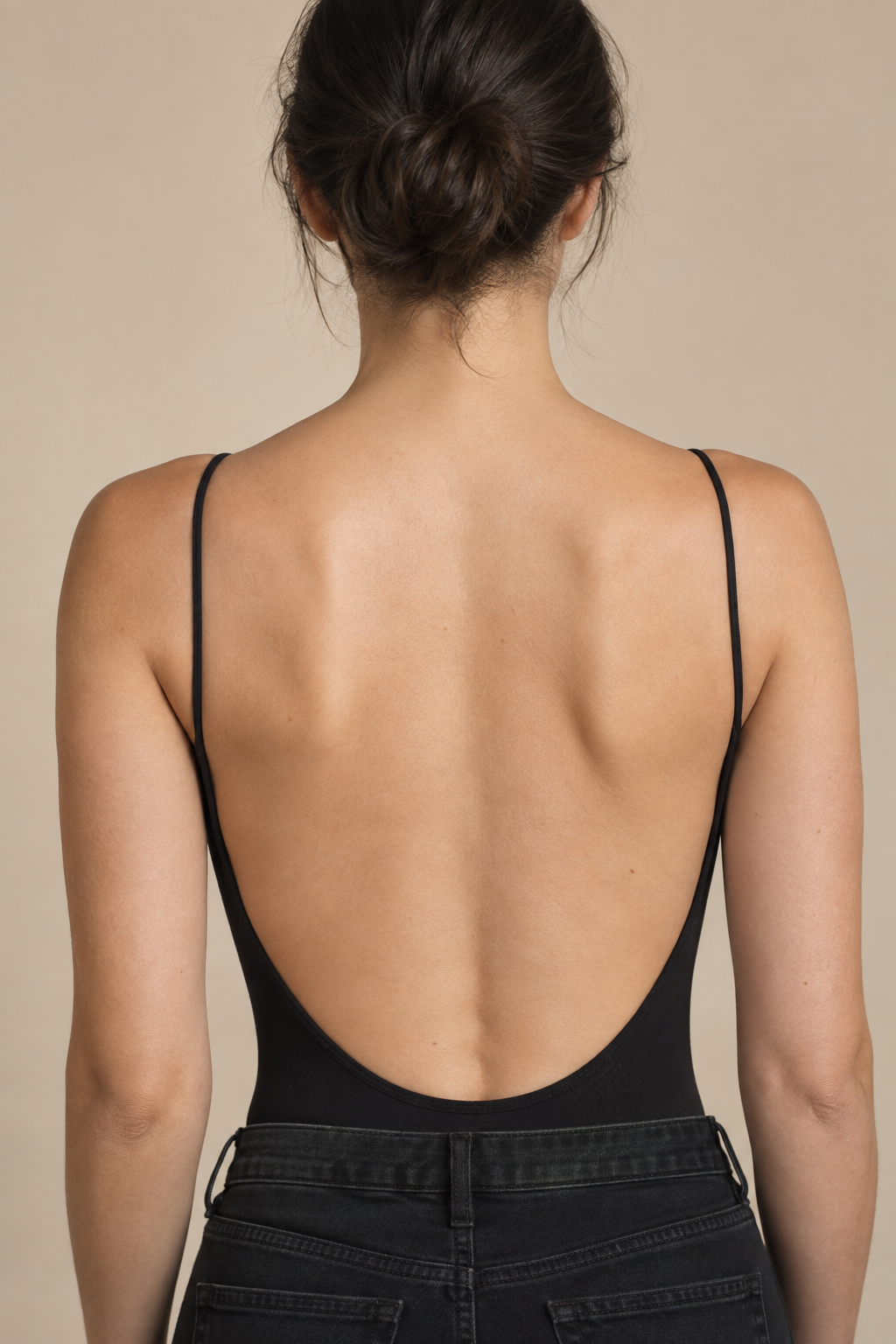
Use a clear, naturally lit photo where the chosen body area is easy to see.
Try an arm, shoulder, back, chest or leg and compare how the composition changes.
Drag, resize, rotate and tune opacity. Manually compress or slant the design for the photo angle; this does not reconstruct skin curvature.
Save a high-quality visual reference to discuss with your artist or share with friends.
Explore your visual language
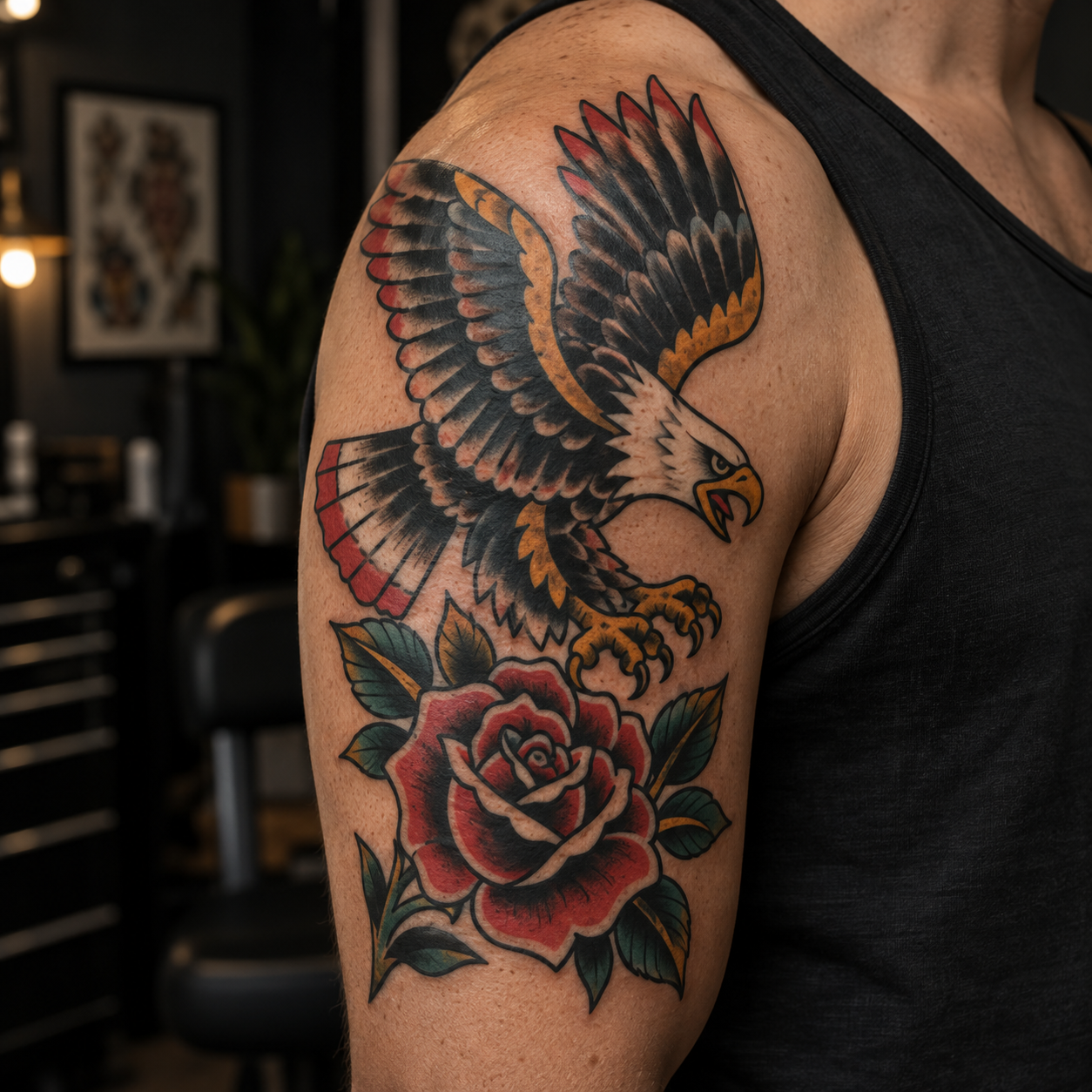

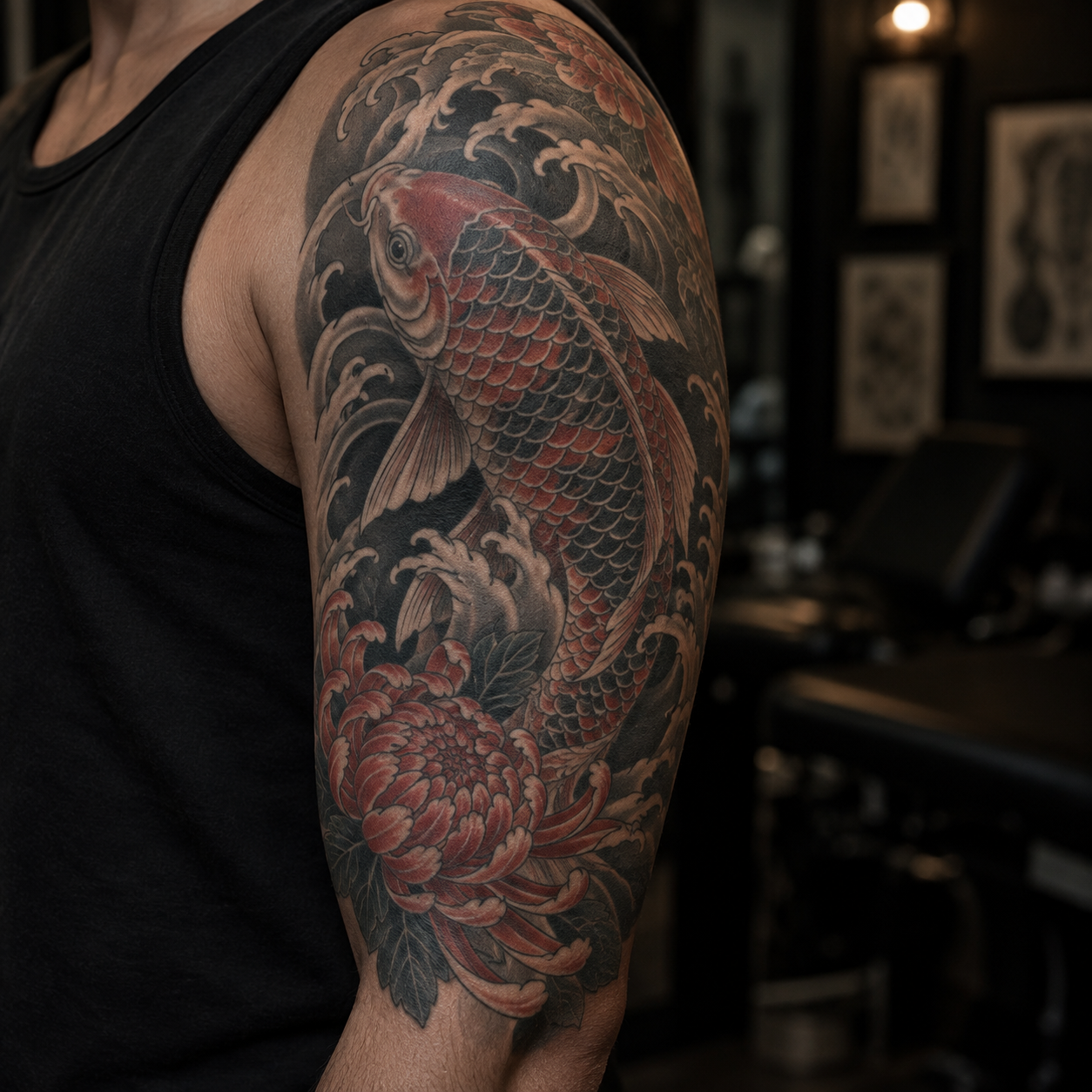
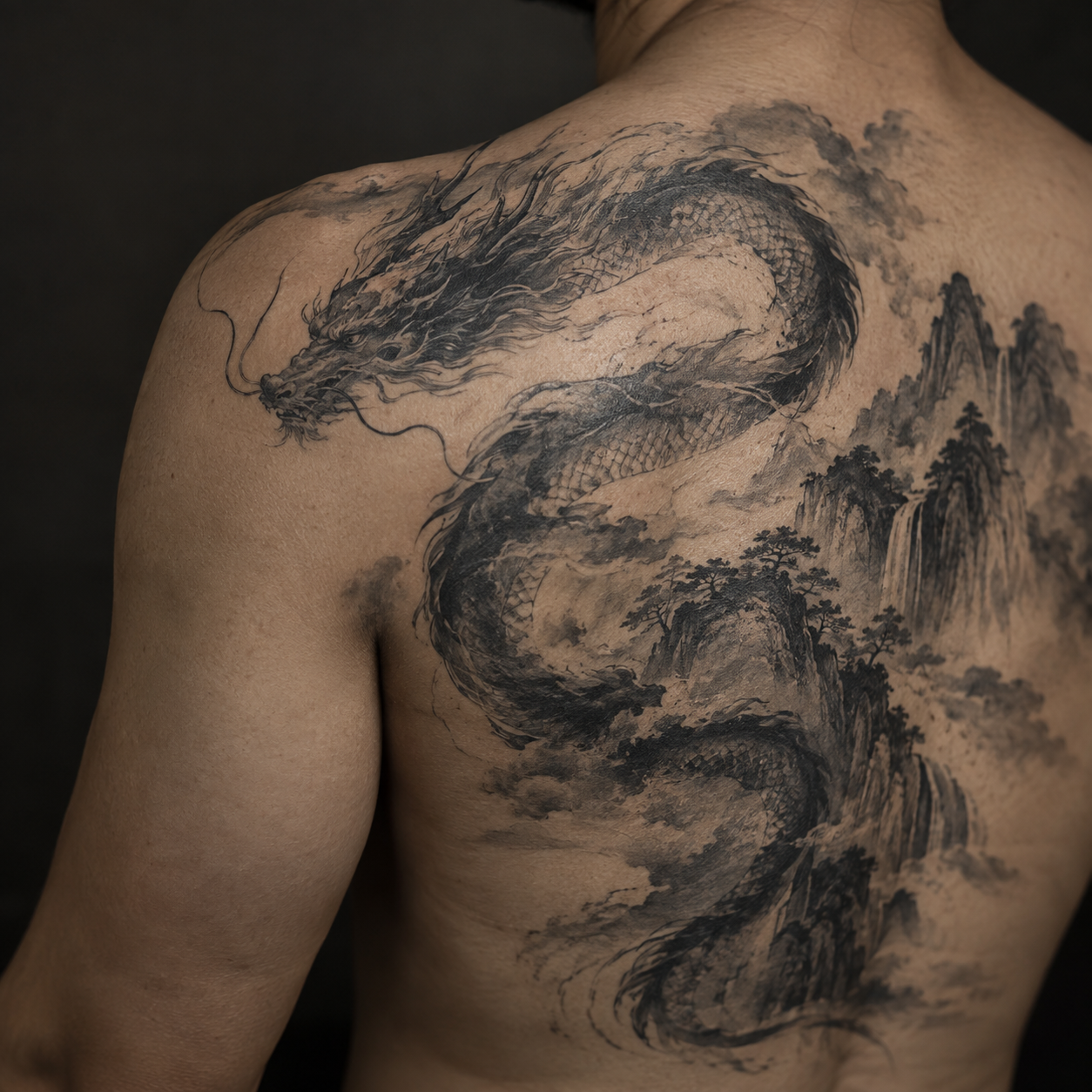
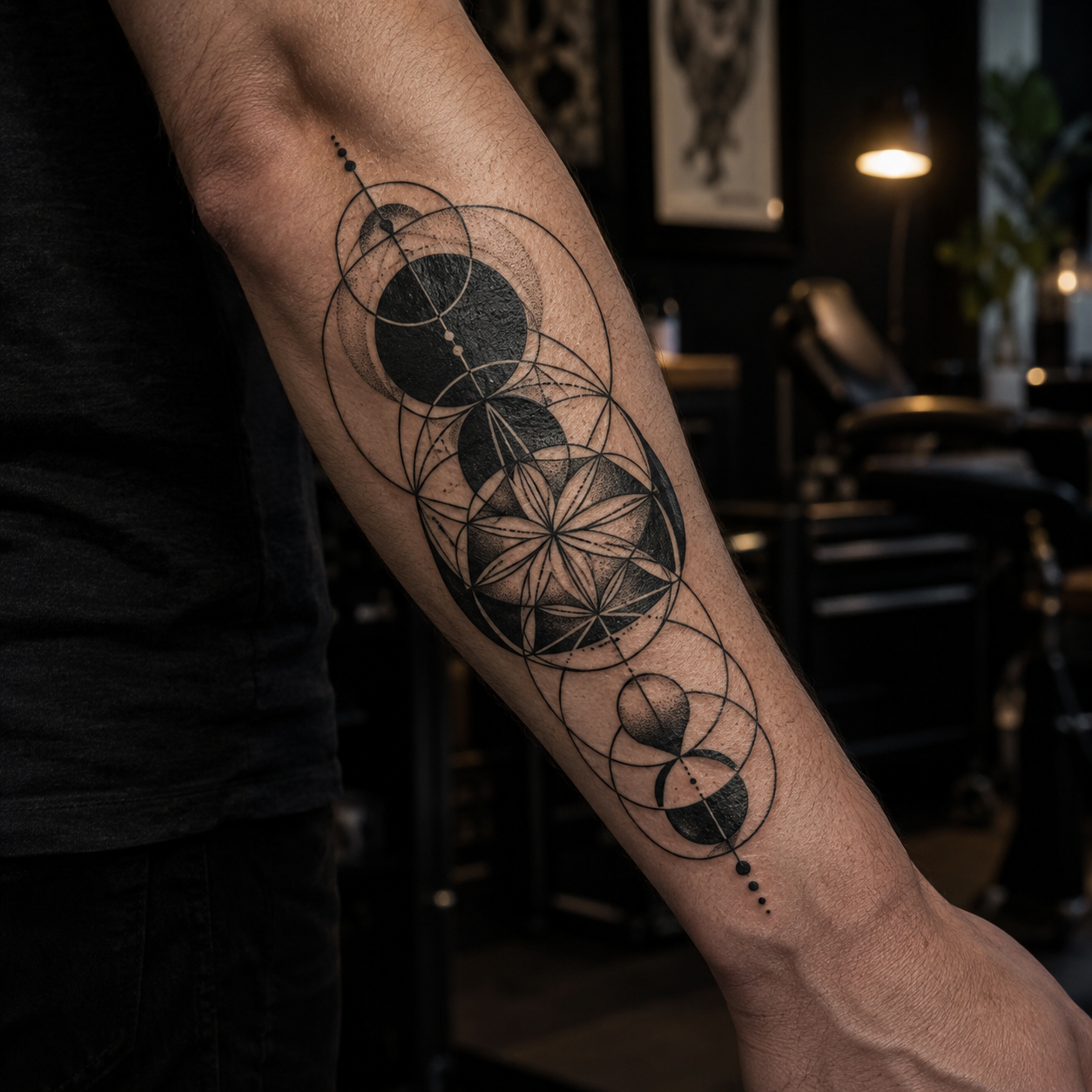
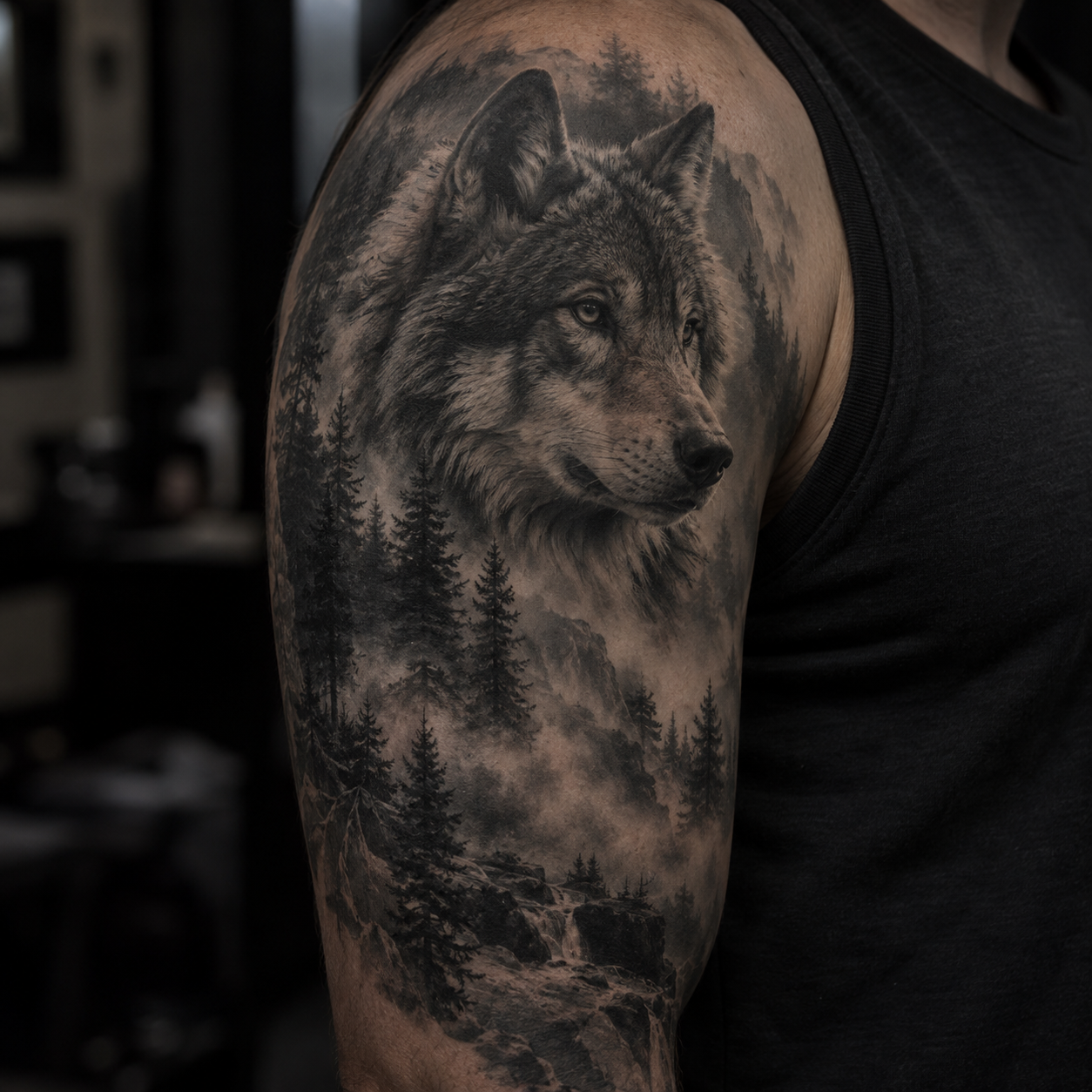
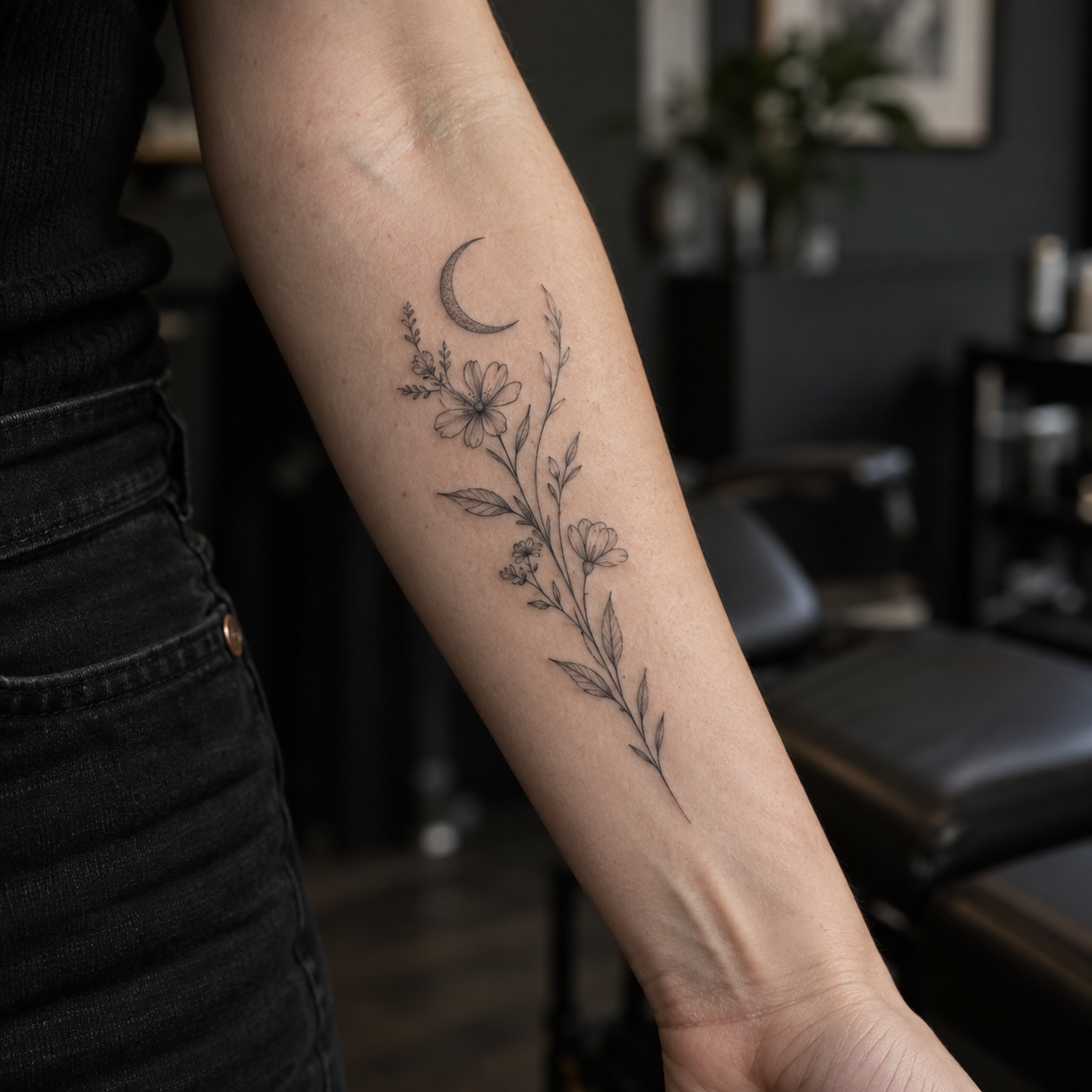
Why use 3D Tattoo Try-On
Compare a design against your photo. The preview does not automatically model body contours or predict healed ink.
Test an idea in seconds instead of waiting for an appointment.
Download a clean reference for your artist or your private moodboard.
Your preview workflow stays local in the browser with no credit cost.
Tune opacity and ink blending for a reference preview. These controls cannot guarantee a natural fit on every photo.
Explore arms, legs, shoulders, chest and back from one workspace.
Virtual try-on questions
The preview uses your photo, position, scale and opacity settings to create a practical visual reference. Your artist should still confirm the final fit in person.
Yes. You can compare arms, legs, shoulders, chest, back and other visible areas by changing the body photo or placement.
The try-on workflow is designed for local browser processing. Avoid using images you do not have permission to edit.
Yes. Download the preview and use it as a visual conversation starter for size, placement, style and final redraw.
Upload a design, add a body photo and test the placement before you make it permanent.
Start virtual try-onUnderlying image model / access provider: Checking active configuration…
AI generation, cover-up concepts, filler concepts and AI font concepts use the active image model shown here. Local photo placement and non-AI editing do not use that model. Outputs are design references; have a professional artist check them.