Upload a meaningful image
Choose a portrait, pet, flower, object or drawing with a readable subject.
Upload a photo or drawing, compare four ink treatments, adjust the strength, and download a reference image for your tattoo artist.
Upload → choose one effect → adjust contrast → download or try on. This is local image processing, not AI generation; use the result as an artist reference.
See a real image become a tattoo design
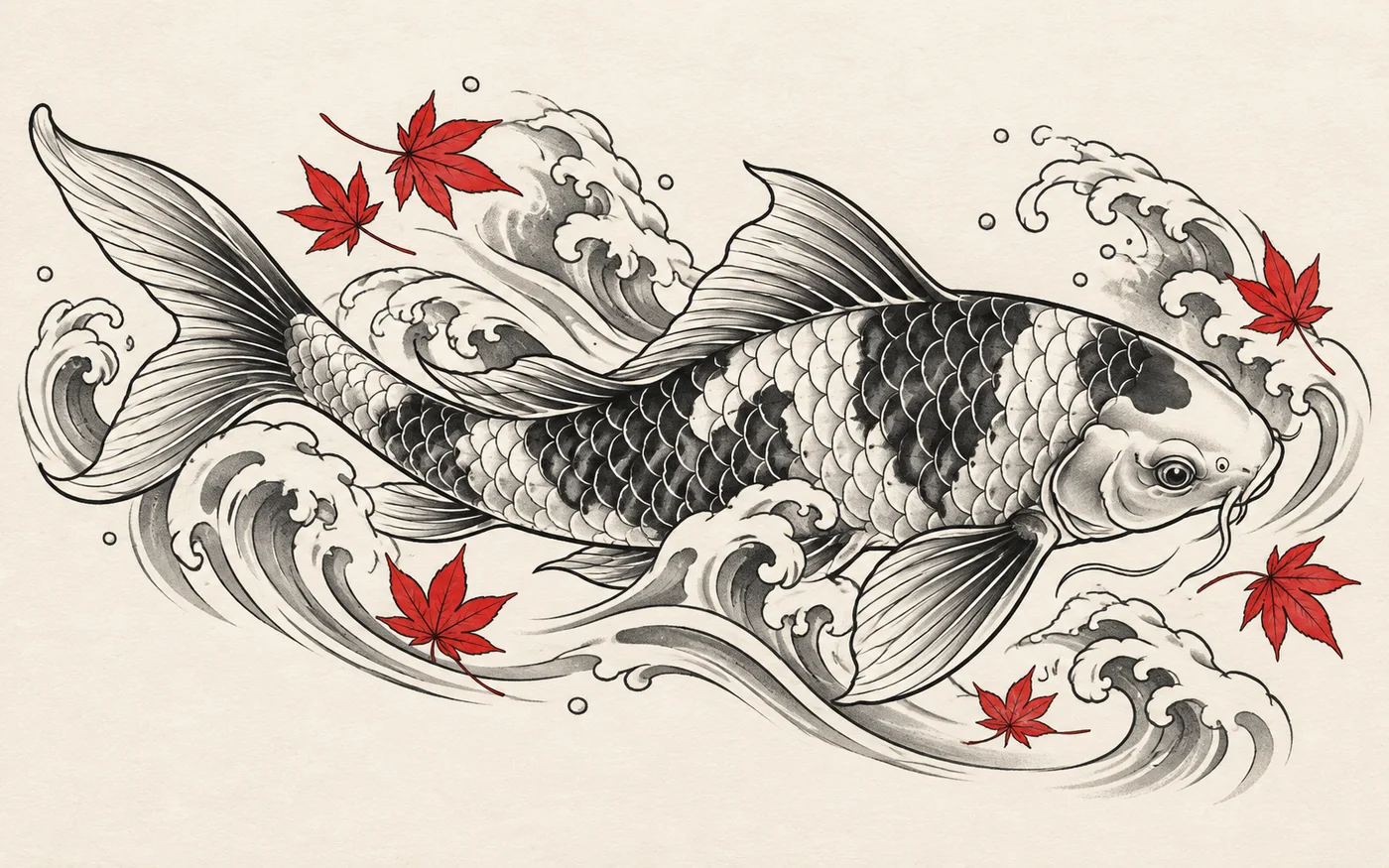
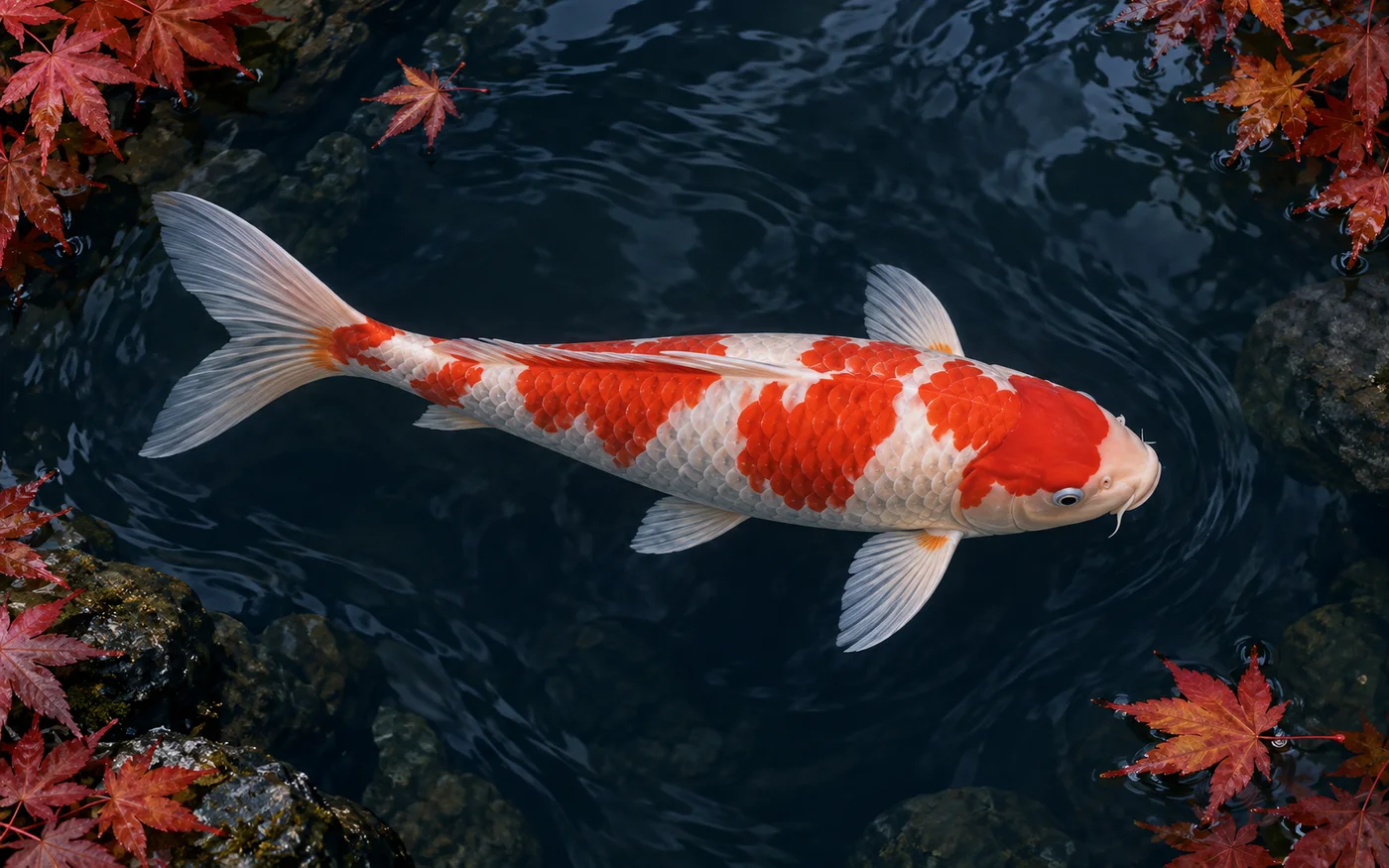
The left side is the reference image; the right side is the tattoo-ready visual direction created from that subject.
From reference to ink direction
A useful tattoo reference preserves the subject’s identity while reducing photographic noise into readable shapes, contrast and line hierarchy.
The koi’s direction, scales and silhouette remain clear while the water becomes intentional negative space. Use the slider to inspect both sides.
This original 3D Tattoo study is a visual reference, not a tattoo-ready stencil.
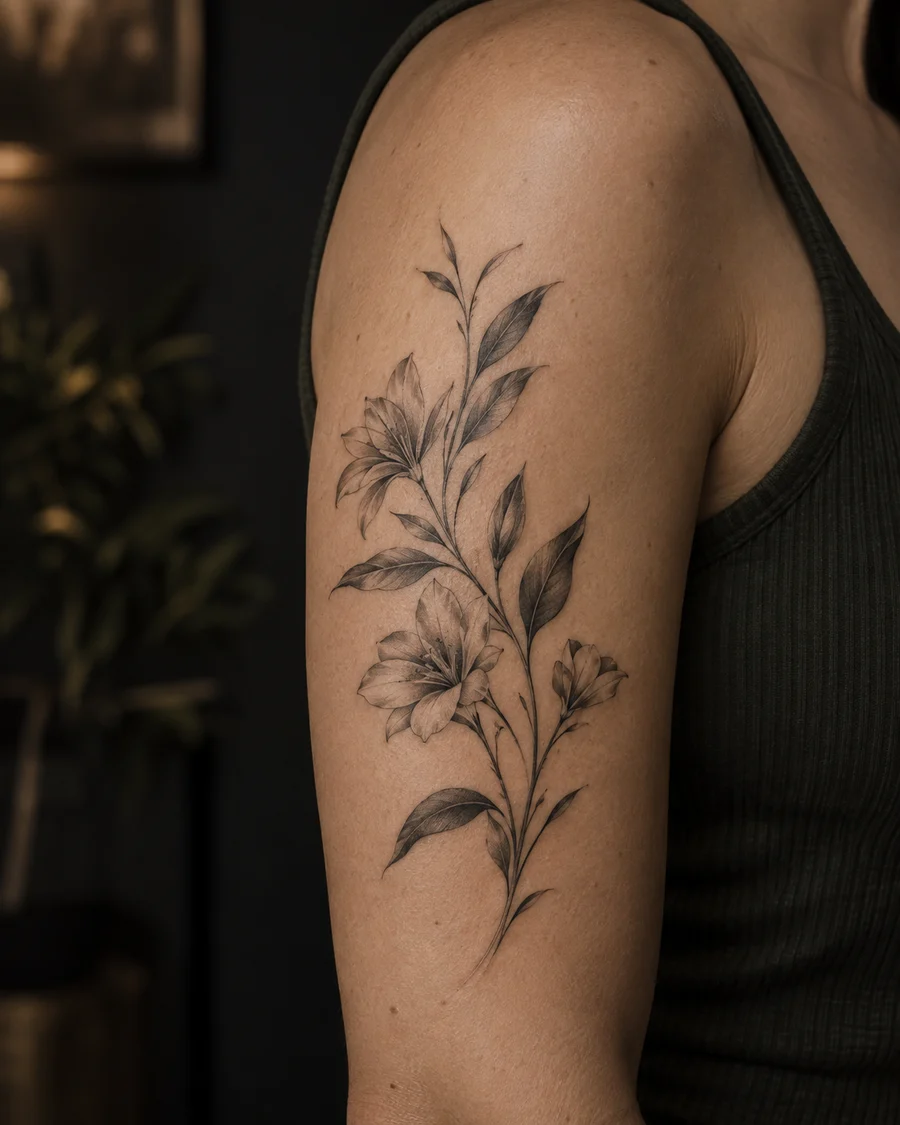
A direction you can feel
A strong tattoo concept is not just a pretty image. It needs a readable silhouette, intentional negative space and a line hierarchy your artist can translate at the right size.
One image, four directions
The same subject can feel delicate, graphic, shaded or tactile. Testing the structure first makes your conversation with a tattoo artist much more concrete.
Try the four treatments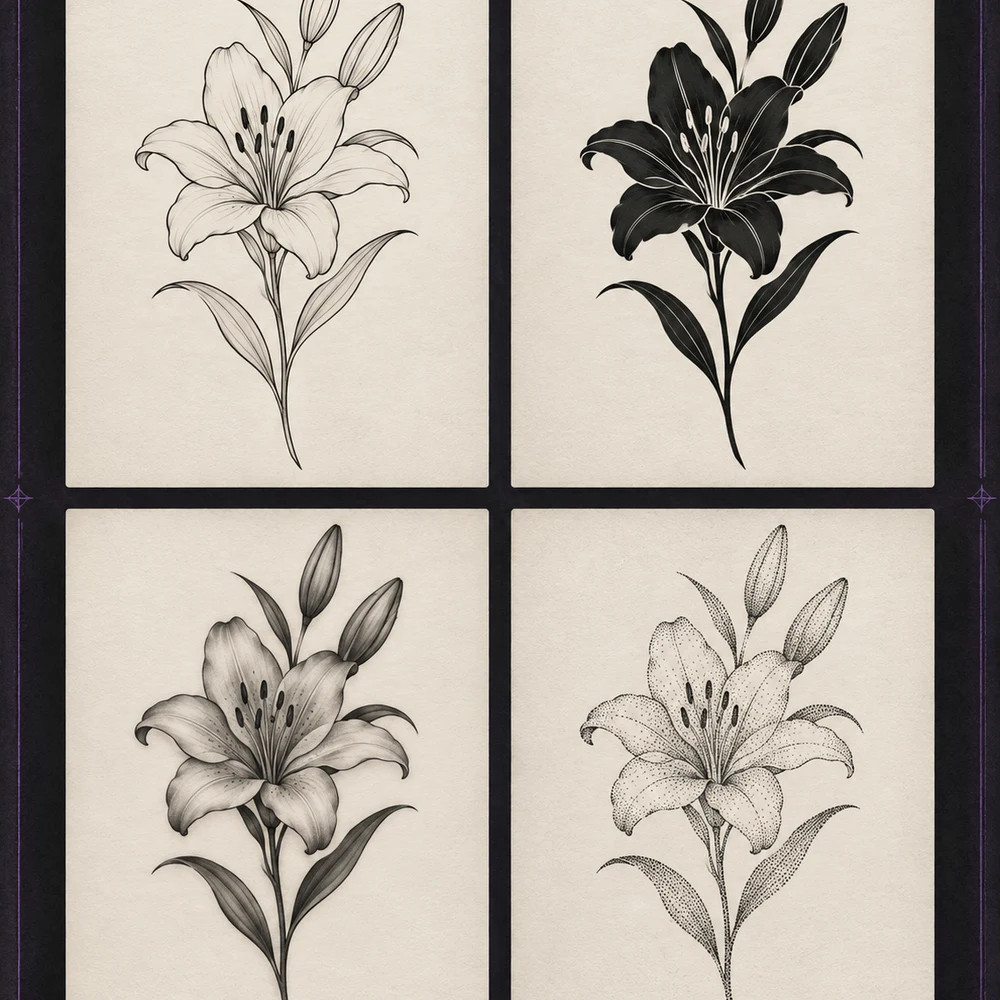
Personal references
Pets, handwritten notes, flowers, heirlooms and small symbols can become a clearer starting point for a design that carries a story.
The most useful output gives your artist room to improve the design for your body, skin and future aging.
Better input, cleaner output
The converter works best when the subject is easy to separate from its surroundings.
Four practical directions
Each mode answers a different design question—from finding the outline to testing heavier contrast.
Clean outlines with minimal shading
Bold solid areas and strong contrast
Smooth monochrome shading
Dithered dots for textured shading
A better starting point
Maya R.
Memorial tattoo planning
“I could finally compare a delicate outline with a heavier black-and-grey direction before booking a consultation. It gave me the vocabulary to explain what I wanted.”
Three quick steps
Choose a portrait, pet, flower, object or drawing with a readable subject.
Switch between four modes, tune intensity and test negative space.
Bring the PNG to a licensed tattoo artist for placement, anatomy and line-weight decisions.
Built for early exploration
Bring a portrait, pet, flower, object or sketch and turn the idea into a clearer tattoo reference.
See fine line, blackwork, black-and-grey and dotwork treatments before choosing a visual language.
No queue, model wait or credits—every adjustment redraws locally.
Keep the details that make your reference yours while simplifying it for a tattoo conversation.
Your photo stays inside your browser and is never sent to our server.
Preview the original, invert ink, remove white and export a transparent PNG.
Always ask a professional tattoo artist to check anatomy, line spacing, scale, placement and how the design will age on your skin.
Image to tattoo FAQ
No. This free tool applies deterministic image effects inside your browser. Use the AI Tattoo Generator when you need a new composition or semantic redesign.
No. Processing happens locally in your current browser tab. The page does not upload the image or create an online history.
Use it as a direction, not a final stencil. A licensed artist should adapt line weight, spacing, size and placement for your body and skin.
Sharp photos with one clear subject, strong edges, simple backgrounds and balanced light usually produce the cleanest results.
Fine-line mode prioritizes strong edges. Increase intensity, choose a higher-contrast source, or try black-and-grey when subtle shading matters.
Need more than a filter?
Use AI for creative reinterpretation, create a cleaner stencil, or preview placement on the body.
Underlying image model / access provider: Checking active configuration…
AI generation, cover-up concepts, filler concepts and AI font concepts use the active image model shown here. Local photo placement and non-AI editing do not use that model. Outputs are design references; have a professional artist check them.