01
Simple three-step workflow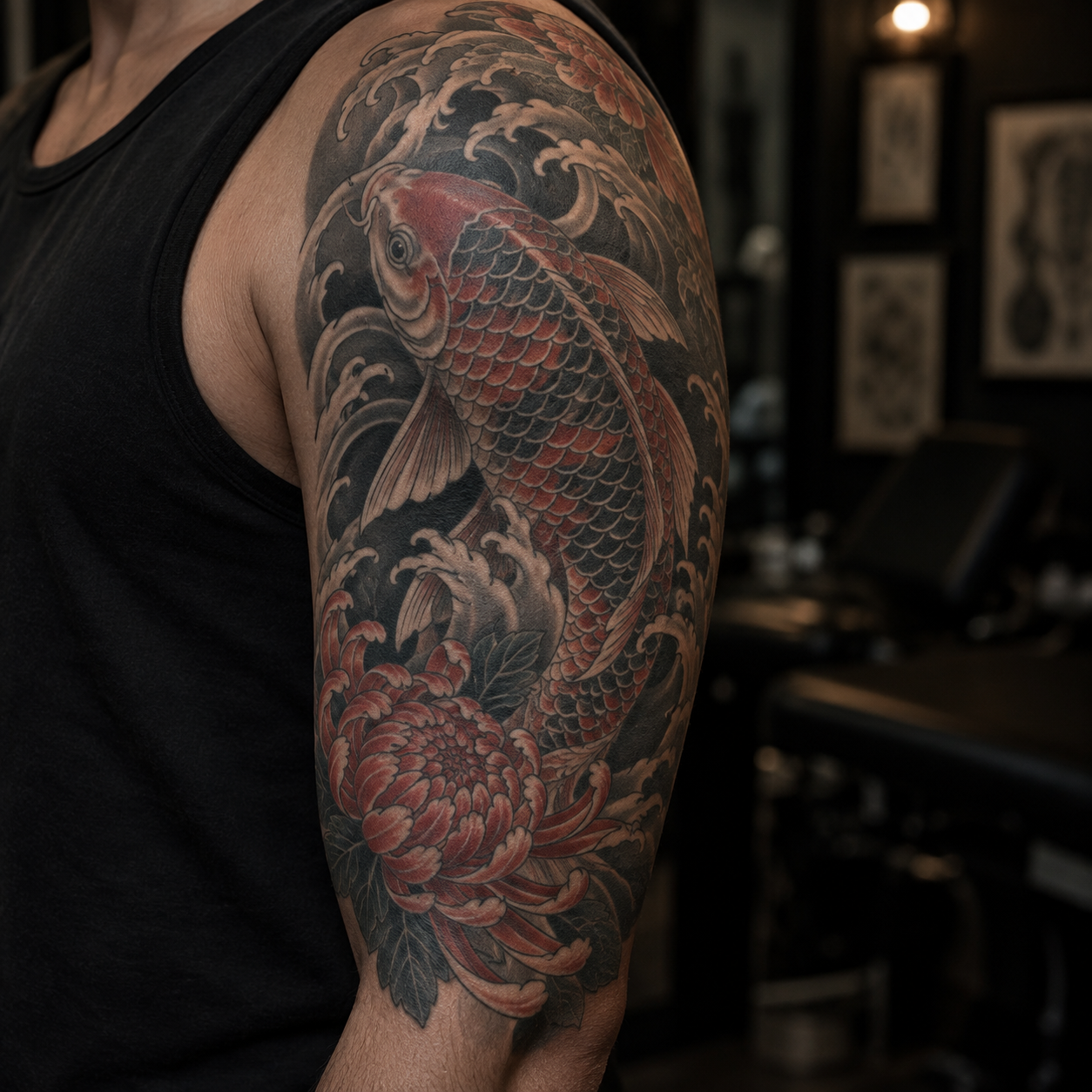
Choose a theme
Start with florals, celestial marks, geometry, smoke, flames or a custom idea.
Choose a theme, sketch the shape of the gap, and create a filler direction that respects the tattoos around it.
Gap shape
The sketch is a downloadable visual note, not an AI mask. It is not sent to the generator. Choose a gap shape and describe the surrounding tattoos to guide the concept.
Use the result as a planning reference, not a tattoo-ready stencil.
Designed for real tattoo gaps
Choose a theme, draw the exact gap and explore a filler direction that respects the tattoos around it.
Build a filler ideaA clearer starting point
A filler is a compact design made for the space between existing tattoos. Define the area first, then use themes, style and complexity to create a more coherent sleeve or patchwork direction.
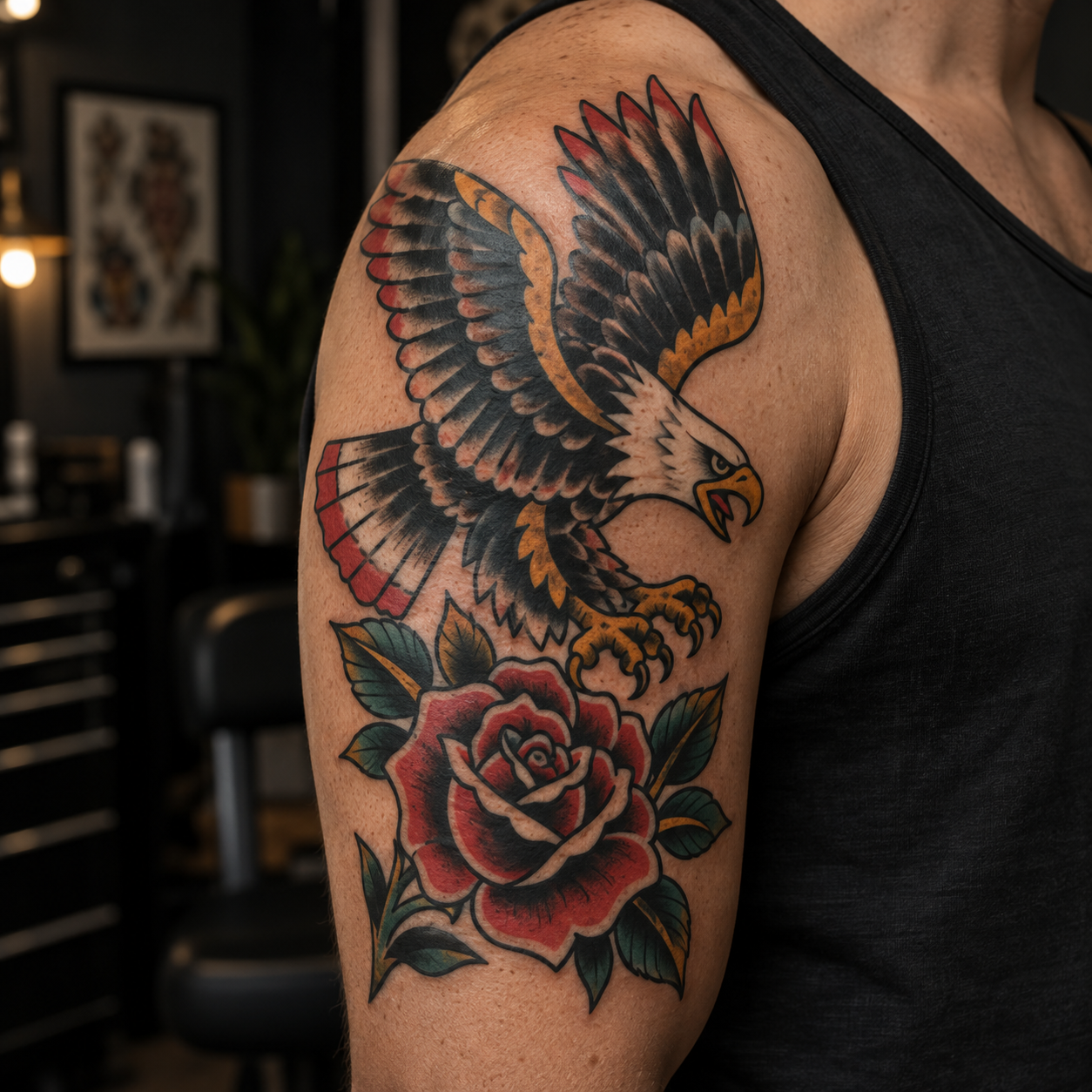
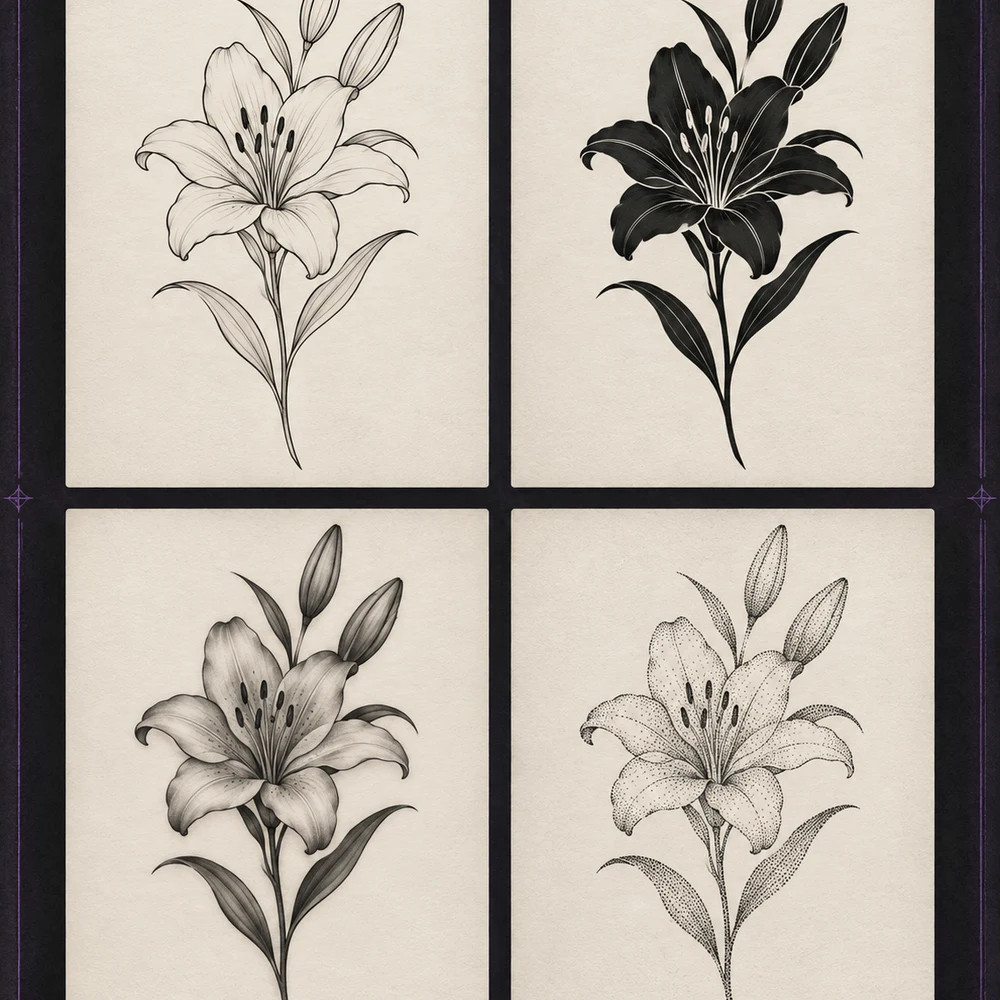
Shape before decoration
Real gaps are narrow, curved and asymmetrical. Draw the usable area on the canvas, adjust the brush and erase mistakes before generating a design around that silhouette.
Match what is already there
Fine-line pieces call for lighter symbols, while bold blackwork can carry denser shapes. Choose the closest style and complexity, then bring the direction to your artist for the final fit.
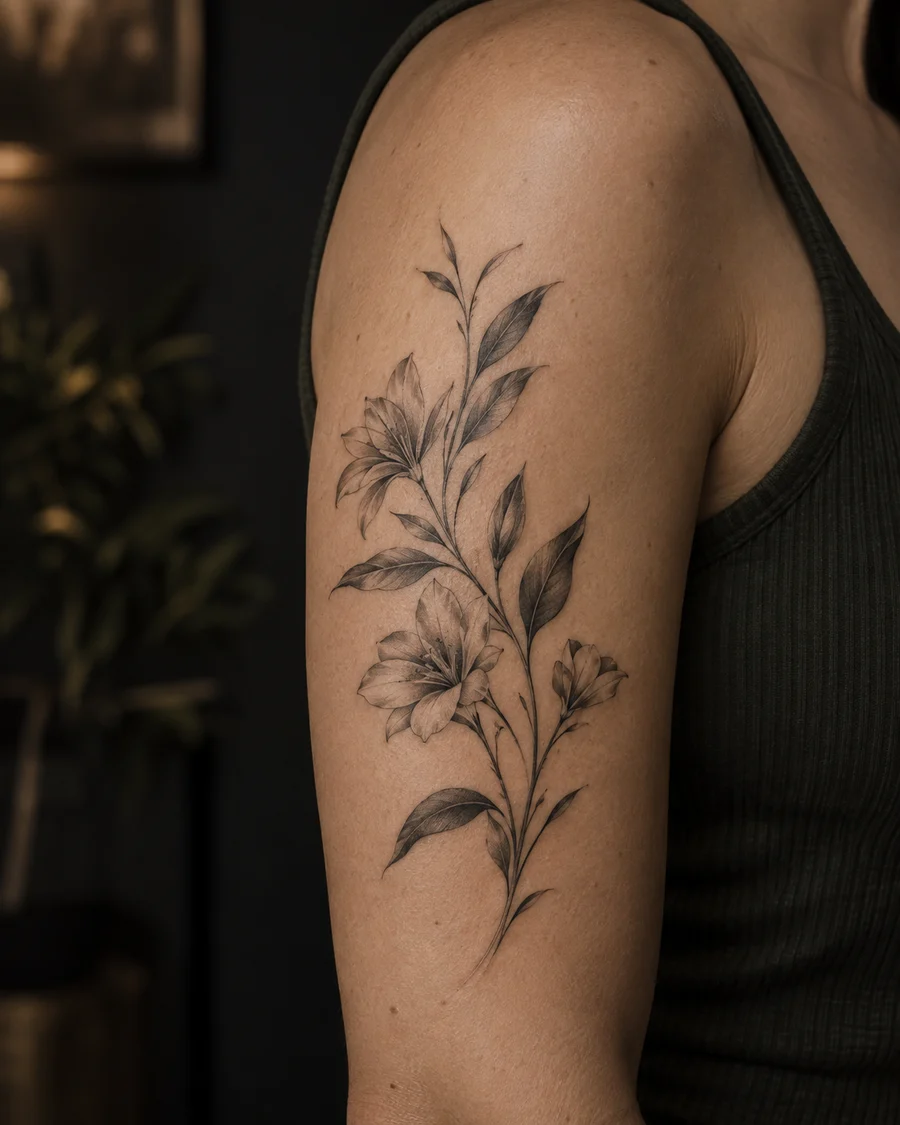
Simple three-step workflow
Start with florals, celestial marks, geometry, smoke, flames or a custom idea.
Use the canvas to trace the narrow, curved or irregular area you want to fill.
Select the visual language and complexity, then compare directions before an artist redraws the final piece.
Ideas for every empty area
Connect upper and lower elements without making the sleeve feel crowded.
Add a small accent while keeping each existing tattoo visually independent.
Test stars, leaves, symbols and compact animals for narrow openings.
Create a smoother visual transition between different motifs.
Plan for corners, curves and asymmetric spaces with a hand-drawn boundary.
Explore smoke, dots, flames, leaves or geometry to unify scattered work.
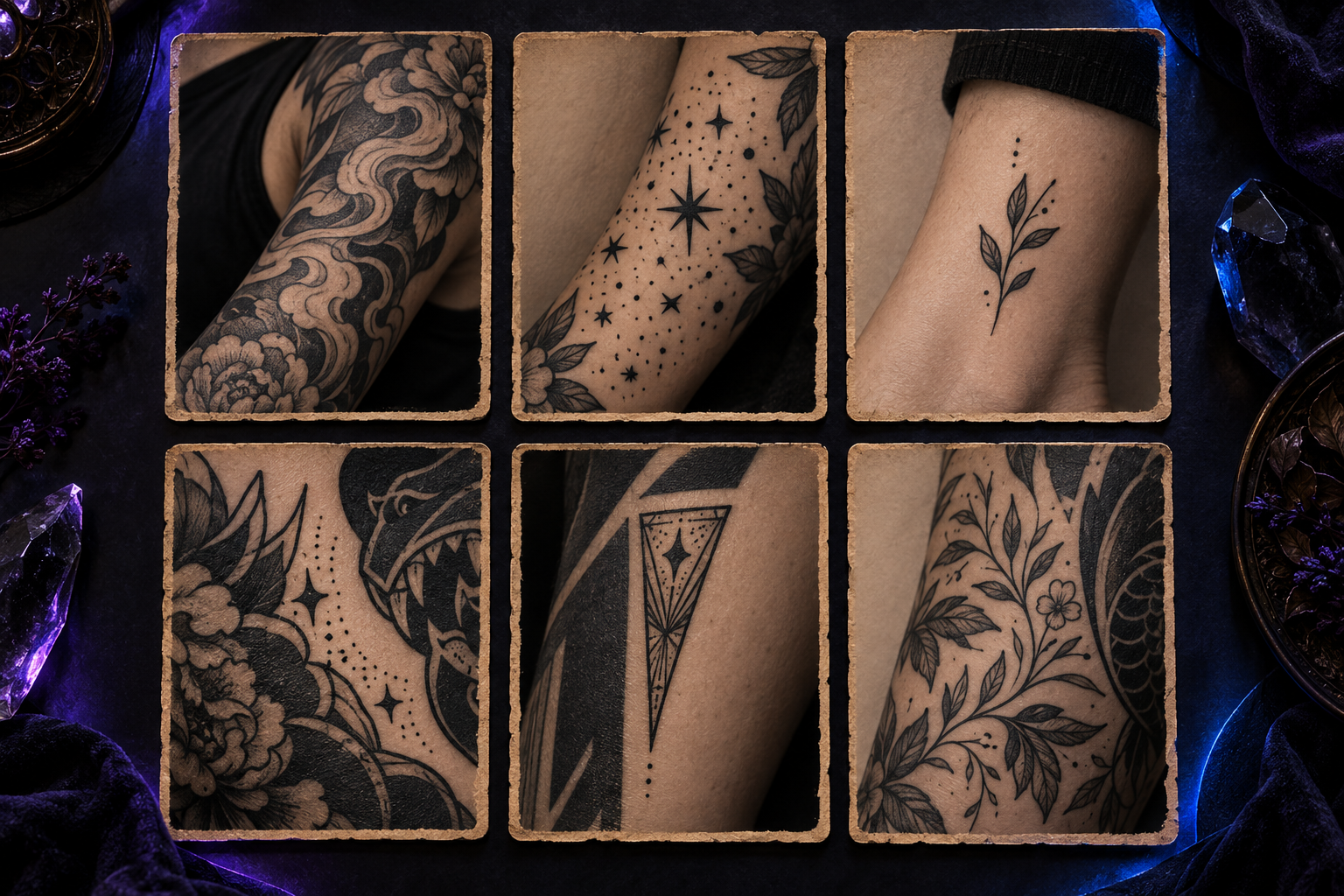
Built for better tattoo decisions
Draw the real contour instead of forcing a square design into the space.
Move quickly with a preset or describe the symbol that has meaning to you.
Compare fine line, blackwork, traditional and geometric directions.
Keep a tiny gap simple or let a larger opening hold more detail.
Change the brief and explore several directions before choosing one.
Preview the chosen direction on skin before a final consultation.
Tattoo filler FAQ
It is a small design or background element made to occupy an empty area between existing tattoos.
Yes. Use the canvas to describe the usable space, then refine it before generating a direction.
Choose a style and complexity close to the surrounding work. The final fit still needs an artist’s judgment.
No. Treat it as a creative reference and ask a licensed tattoo artist to adapt the scale, spacing and line weight.
Choose a theme, draw the gap and create a clearer filler direction in a few steps.
Start creatingUnderlying image model / access provider: Checking active configuration…
AI generation, cover-up concepts, filler concepts and AI font concepts use the active image model shown here. Local photo placement and non-AI editing do not use that model. Outputs are design references; have a professional artist check them.