01
Upload your reference
Choose a tattoo photo, flash sheet, sketch or digital concept with a readable subject.
Upload a photo, sketch or generated concept. Adjust the line sensitivity and download a crisp black-and-white reference without sending the image to our servers.
Lower values capture more detail. Higher values keep only the strongest edges.
Processed locally in your browser · no upload · no credits
For the clearest result, use a well-lit image with strong contrast and minimal background clutter.
From tattoo photo to clean linework
Clean the edges, remove visual noise and prepare a clearer black-and-white reference for printing, editing or an artist consultation.
Create your stencil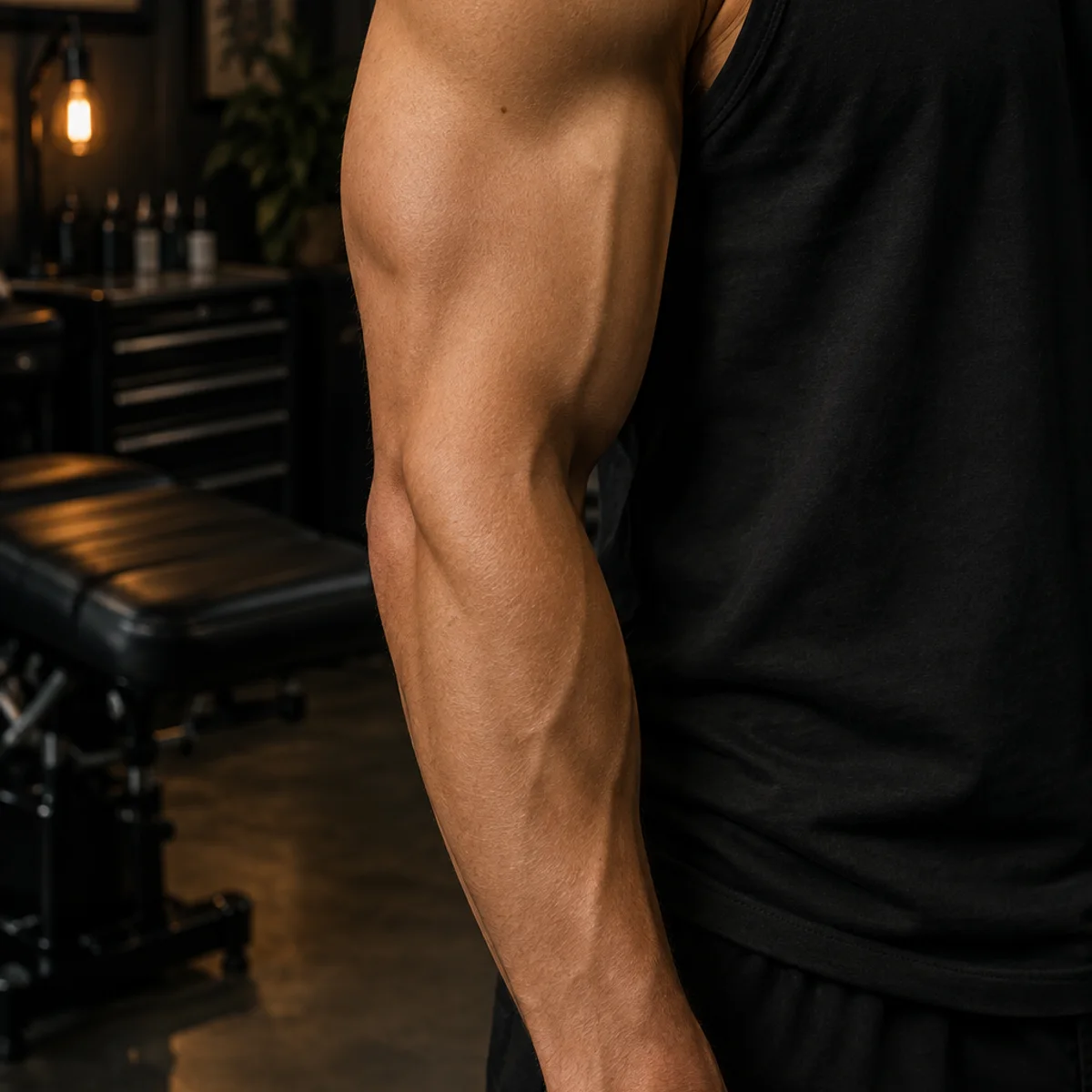
A clearer starting point
It turns a tattoo photo, flash drawing or concept into simplified linework so you can inspect the structure before committing to ink. The result is a visual reference—not a replacement for a professional stencil artist.
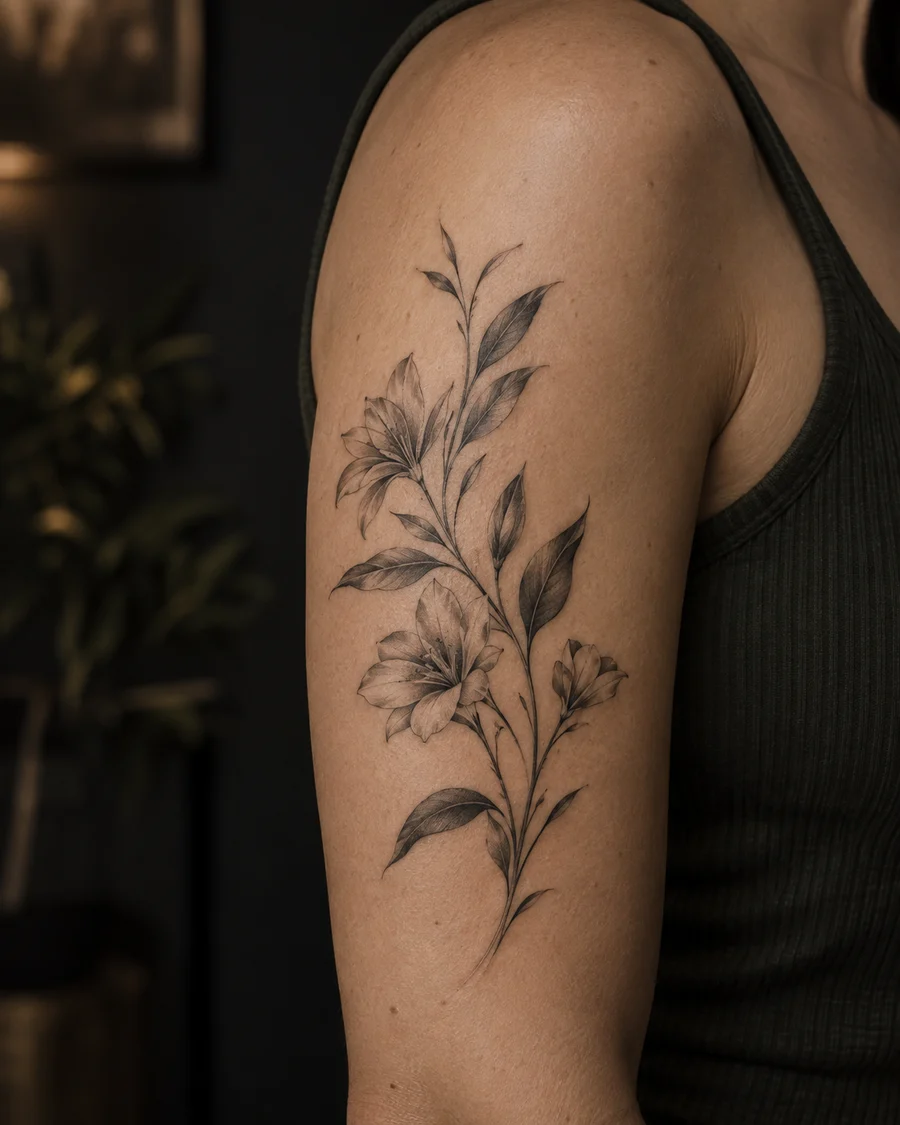
Extract what matters
Fine details, faded ink and uneven light can hide the shape of a design. Compare treatments to find the line weight and contrast that communicate the idea best.
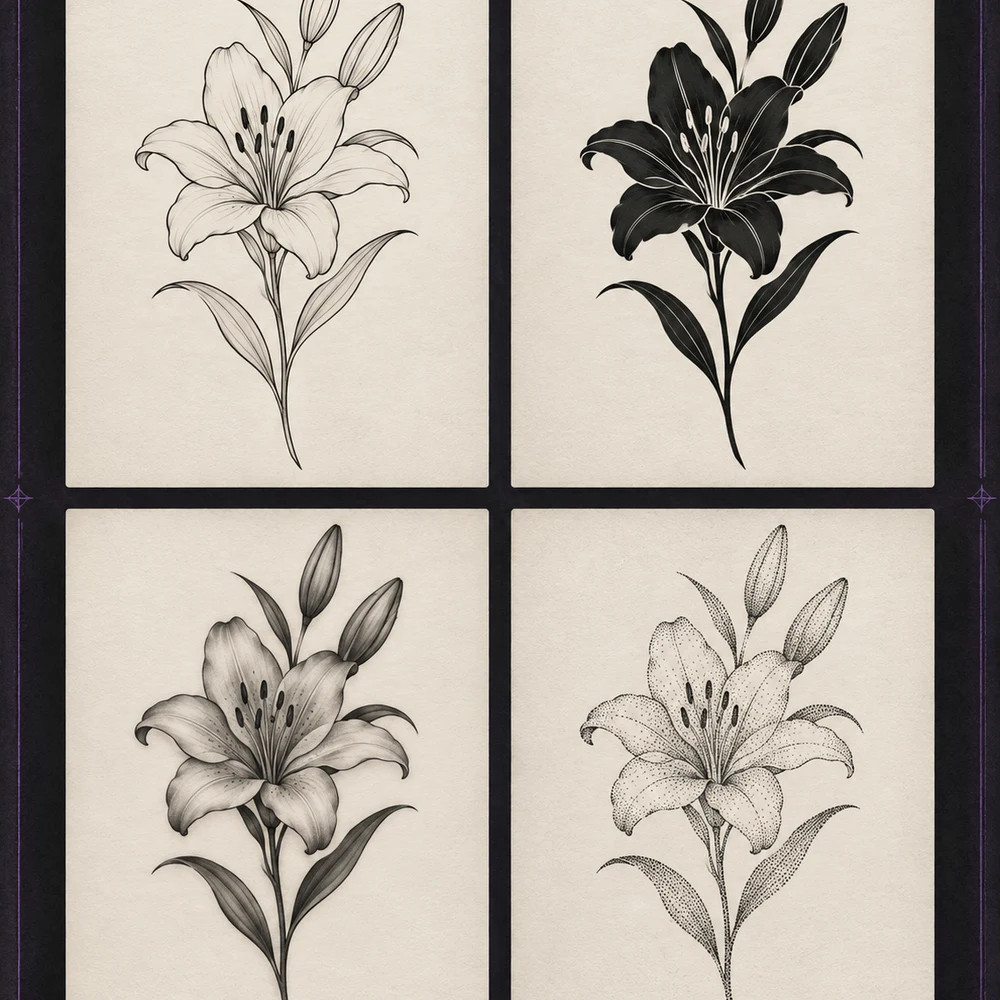
Placement-ready thinking
A clean outline makes scale, spacing and placement easier to discuss. Bring the exported image to a licensed artist for the final redraw and body-aware adjustments.
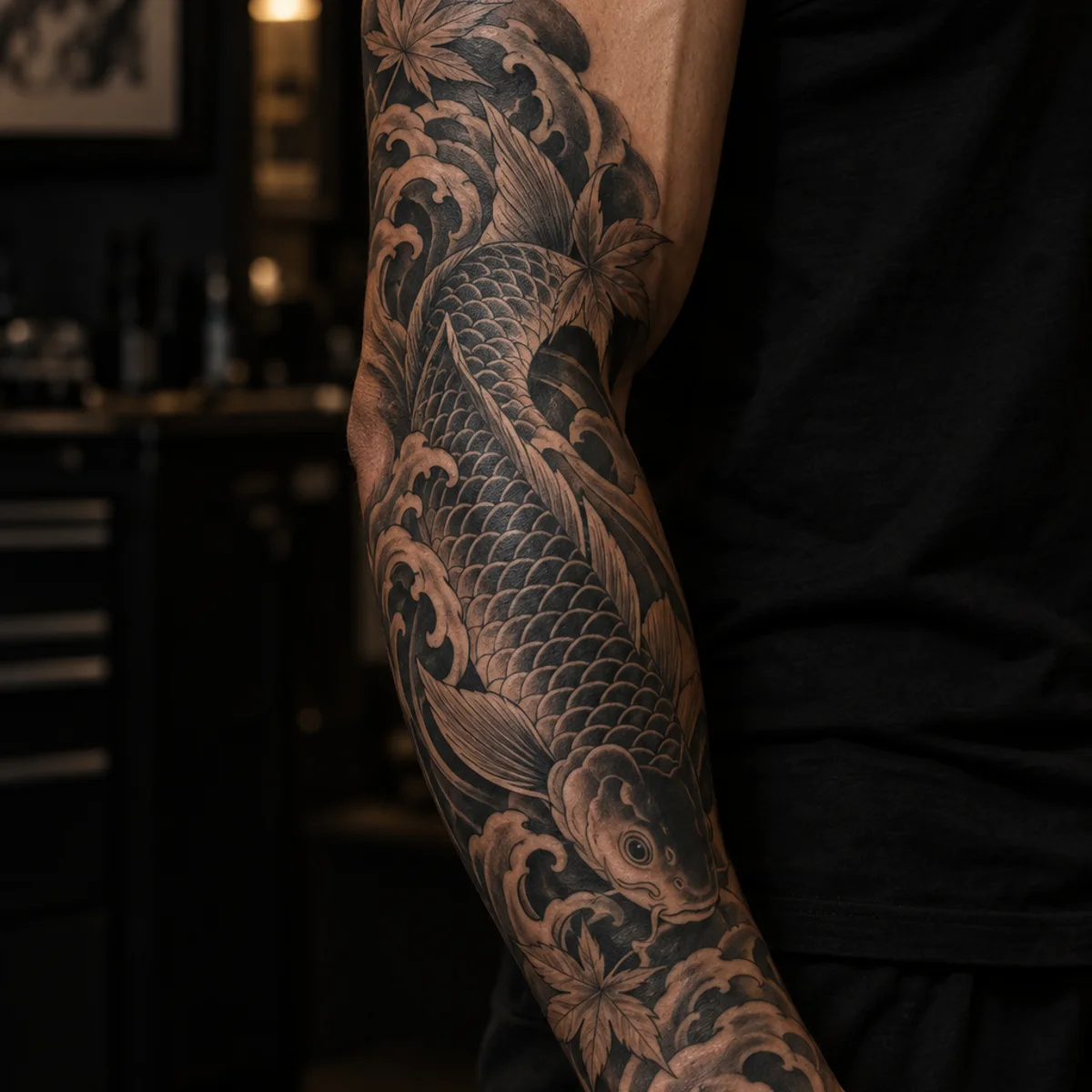
Simple three-step workflow
Choose a tattoo photo, flash sheet, sketch or digital concept with a readable subject.
Adjust the threshold to keep delicate details or reduce the design to its strongest edges.
Export a PNG, check its dimensions, then let your artist redraw it for skin and placement.
Better input, cleaner output
Built for better tattoo decisions
Reduce distracting texture and expose the design structure.
The instant preview runs in your browser without uploading the image.
Give your artist a concrete direction for redraw, scale and placement.
Download a crisp black-and-white reference for print or editing.
Change sensitivity and see the linework update without a queue.
Keep subtle marks or simplify to the strongest tattoo edges.
Tattoo stencil FAQ
You can try photos, drawings and concepts. Clear edges, even light and a simple background usually produce the cleanest reference.
No. Use it as a planning reference. A licensed tattoo artist should redraw and size the design for your anatomy and skin.
Yes. Check the dimensions and line weight before printing, then confirm the final transfer with your artist.
The instant stencil preview is processed locally in the browser. Your image is not required to leave the current tab.
Upload a photo or sketch and create a clearer linework direction in a few steps.
Start convertingUnderlying image model / access provider: Checking active configuration…
AI generation, cover-up concepts, filler concepts and AI font concepts use the active image model shown here. Local photo placement and non-AI editing do not use that model. Outputs are design references; have a professional artist check them.