Tattoo Font Generator
Turn your words into tattoo-ready lettering, then refine the strongest direction with AI.
Your story
Fine line italic · Horizontal
Size is a screen preview, not a measured tattoo size. Backgrounds are visual only; the PNG contains transparent lettering. Review placement and legibility with your artist.
Recent lettering
Your recent downloaded or AI-ready lettering will appear here.
Lettering inspiration library
Explore tattoo lettering as it will actually be used
Compare type at a useful scale, see how it sits on the body, and build a clear visual brief before you speak with an artist. Every example below is an original 3D Tattoo composition—not a copied template.
Try your own words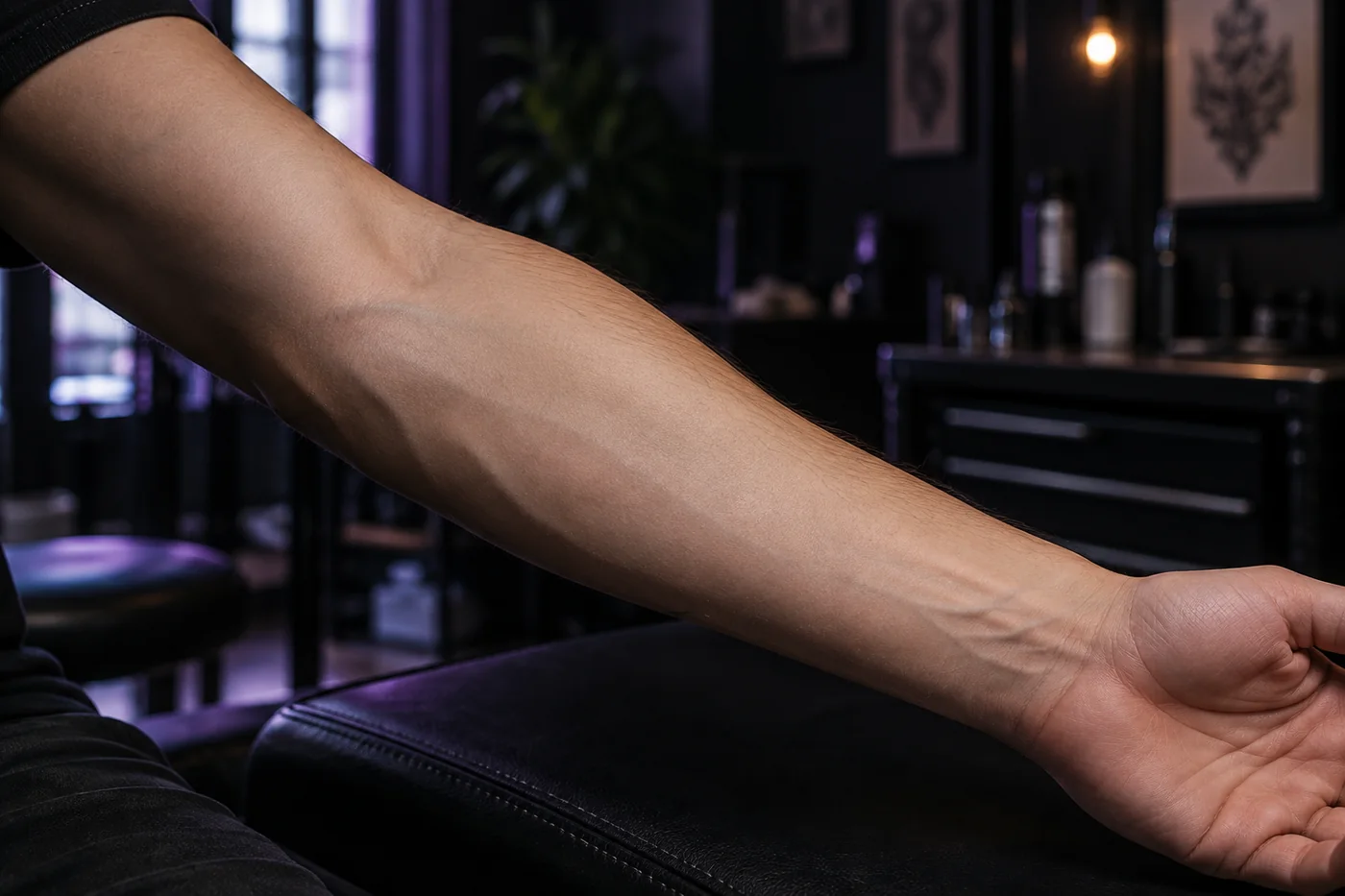 AMOR FATI
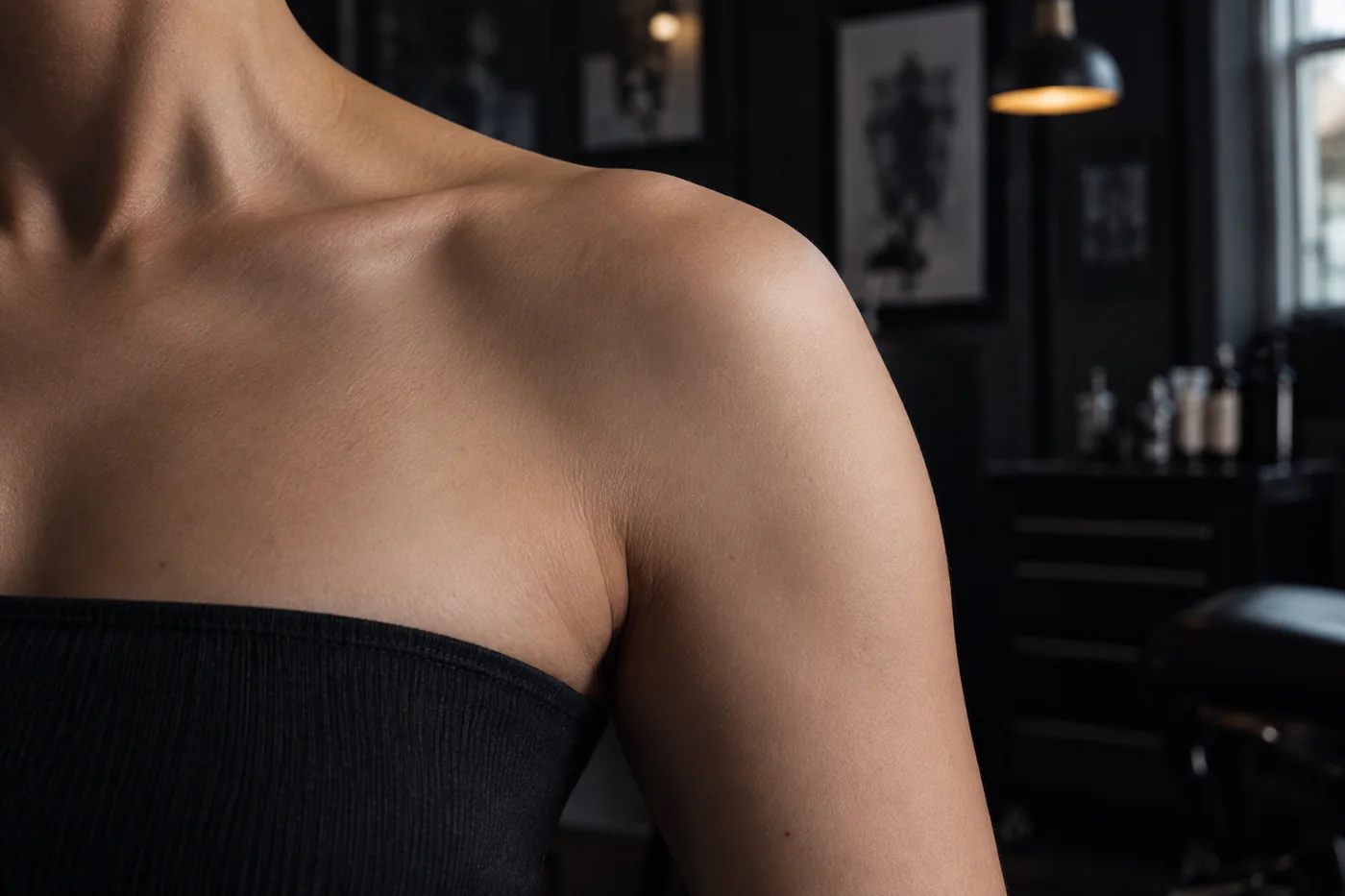 Breathestay true
Live text overlay · the wording stays editable and is not baked into the photo
Body-aware preview
Judge the lettering on a body, not only on a blank canvas
A phrase changes when it follows a forearm, collarbone, shoulder, or rib. Preview the overall direction here, then let your artist adjust the baseline, spacing, stroke weight, and final dimensions for your anatomy.
Tattoo-scale readability
Small counters and hairline strokes may soften over time. Leave enough breathing room for the intended size.
Placement-aware flow
The body is not flat. Ask your artist to redraw the baseline so the phrase follows movement naturally.
More writing systems
Plan lettering beyond the Latin alphabet
Use the live preview to compare visual density across scripts and symbols. Font coverage varies, so the tool keeps the wording editable instead of turning it into an uncheckable image.
Latin
Freedom
Chinese
自由
Japanese
勇気
Arabic
حياة
Cyrillic
Надежда
Devanagari
प्रेम
Before tattooing a language you do not speak fluently, verify the exact spelling, meaning, reading direction, and cultural context with a fluent speaker. Also confirm every glyph with your tattoo artist.
Screen-to-studio workflow
From words to an artist-ready direction
Keep the exact wording, compare it in context, and leave with a transparent visual reference. It gives your tattoo artist a more precise starting point without pretending to replace their drawing and placement expertise.
Enter the exact wording
Check spelling, capitalization, dates and punctuation before exploring styles.
Compare and preview
Choose a lettering family, horizontal or vertical layout, and preview it on a transparent, paper or skin surface.
Download or refine with AI
Export a free transparent PNG, or continue to the AI Studio when you want ornament and a fuller tattoo composition.
Designed for better decisions
Two workflows, one clearer tattoo brief
Very thin strokes, tight spacing and tiny counters can soften as a tattoo ages. Use the size and spacing controls to create breathing room, then ask a licensed tattoo artist to confirm minimum line weight and final dimensions.
Private instant preview
Classic previews stay in your browser and cost no credits. Nothing is uploaded to create the PNG.
Optional AI art direction
Move the exact text, style and direction into the AI workspace for decorative lettering concepts without retyping your brief.
Made for artist collaboration
Every result is a visual direction—not a tattoo-ready stencil. Your artist should adapt kerning, stroke weight and placement to your body.
Clear answers before you ink
Tattoo font generator FAQ
Understand what is free, what stays private, and where a professional tattoo artist still needs to take over.
Is the instant tattoo font generator free?+
Yes. Classic font previews and transparent PNG downloads run locally in your browser and use no credits.
Can I make vertical tattoo lettering?+
Yes. Switch the text direction to Vertical and the live preview and downloaded PNG will use a vertical arrangement.
Does this create a tattoo-ready stencil?+
No. It creates a lettering reference. A licensed tattoo artist should redraw and size it for your anatomy and skin.
What is different about AI tattoo lettering?+
AI mode carries your wording and selected direction into the AI Studio, where you can explore ornament, composition and a complete tattoo concept using credits.
Build the brief first
Give your tattoo artist a clearer lettering direction
Start with your exact words, test the visual weight, and download a reference you can bring to a consultation.
Underlying image model / access provider: Checking active configuration…
AI generation, cover-up concepts, filler concepts and AI font concepts use the active image model shown here. Local photo placement and non-AI editing do not use that model. Outputs are design references; have a professional artist check them.