Start with a direction
Wrist Tattoo Ideas for Inner and Outer Placement
Browse 22 wrist tattoo ideas, from small symbols and fine-line motifs to lettering. Compare sizes and orientation on a photo before choosing a design.
Tattoo style
Explore 22 matching concepts
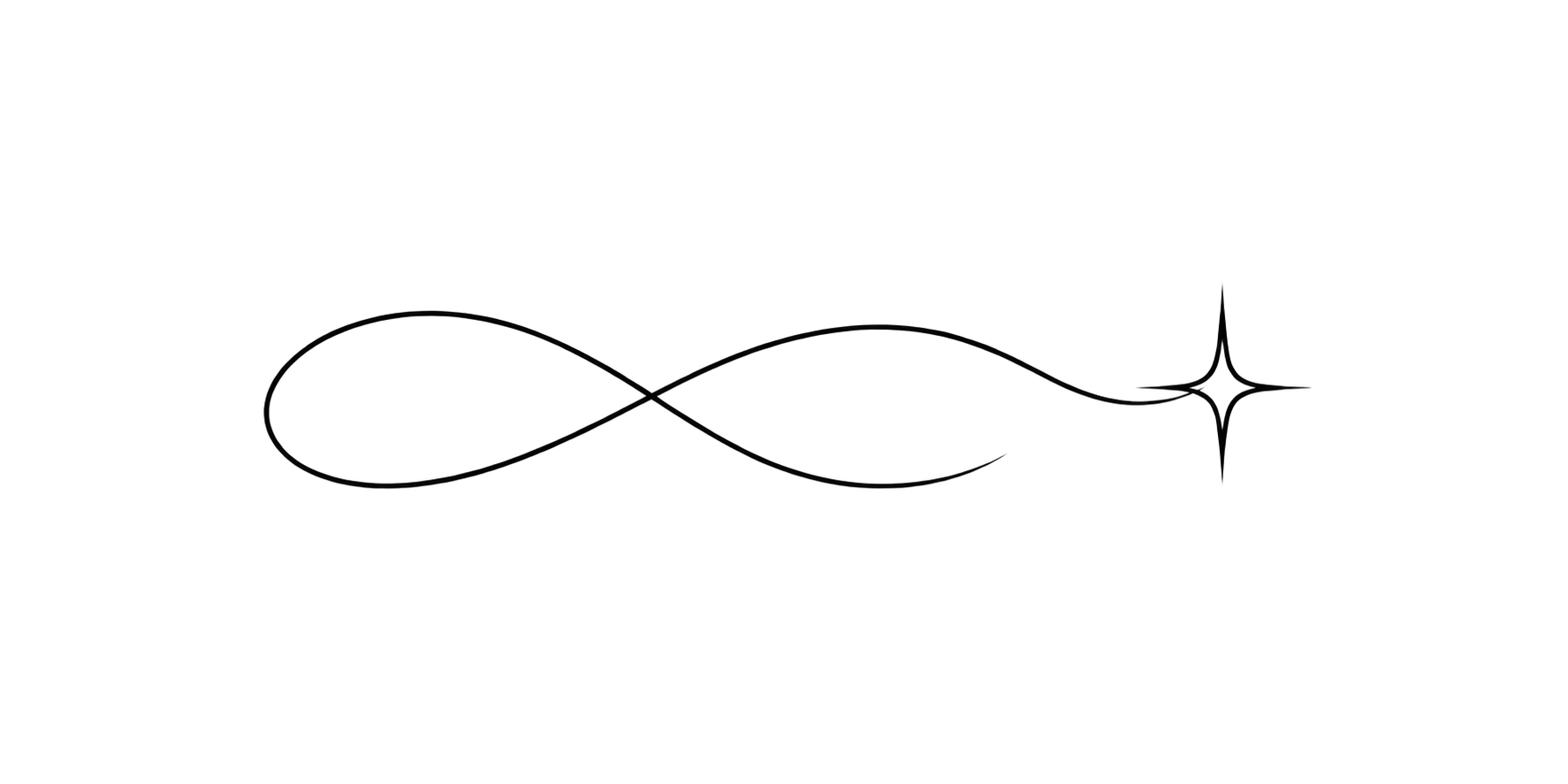
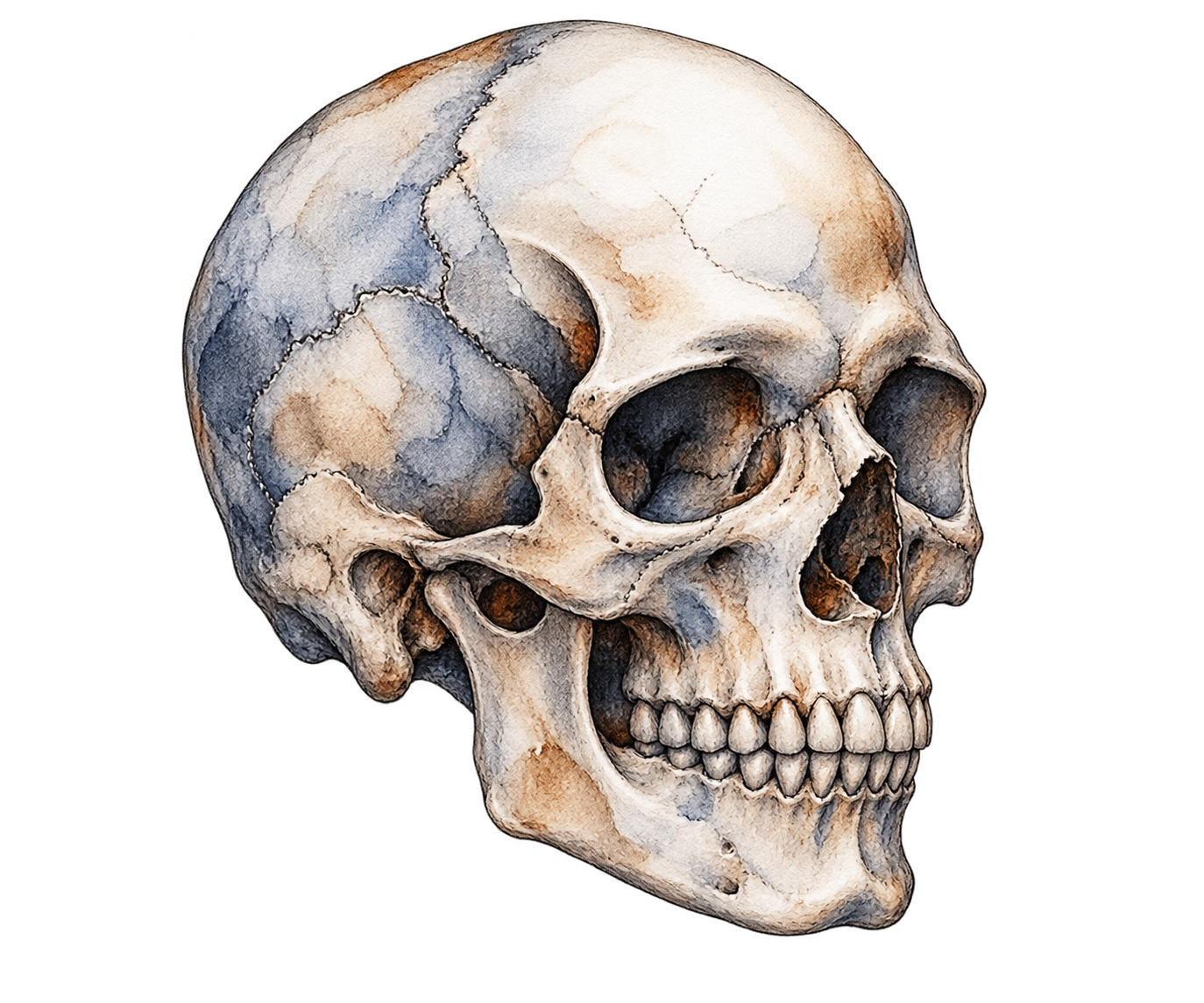

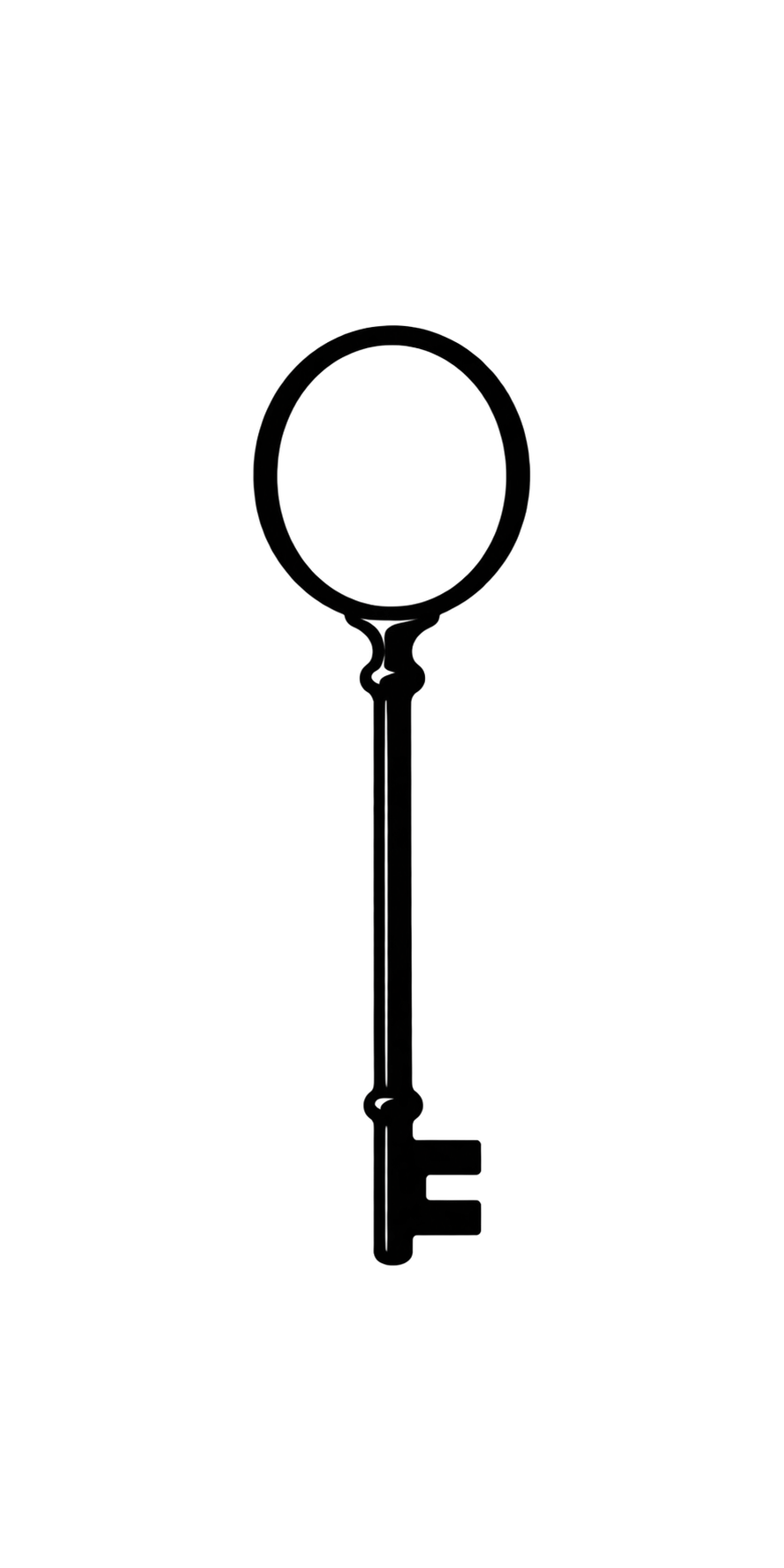
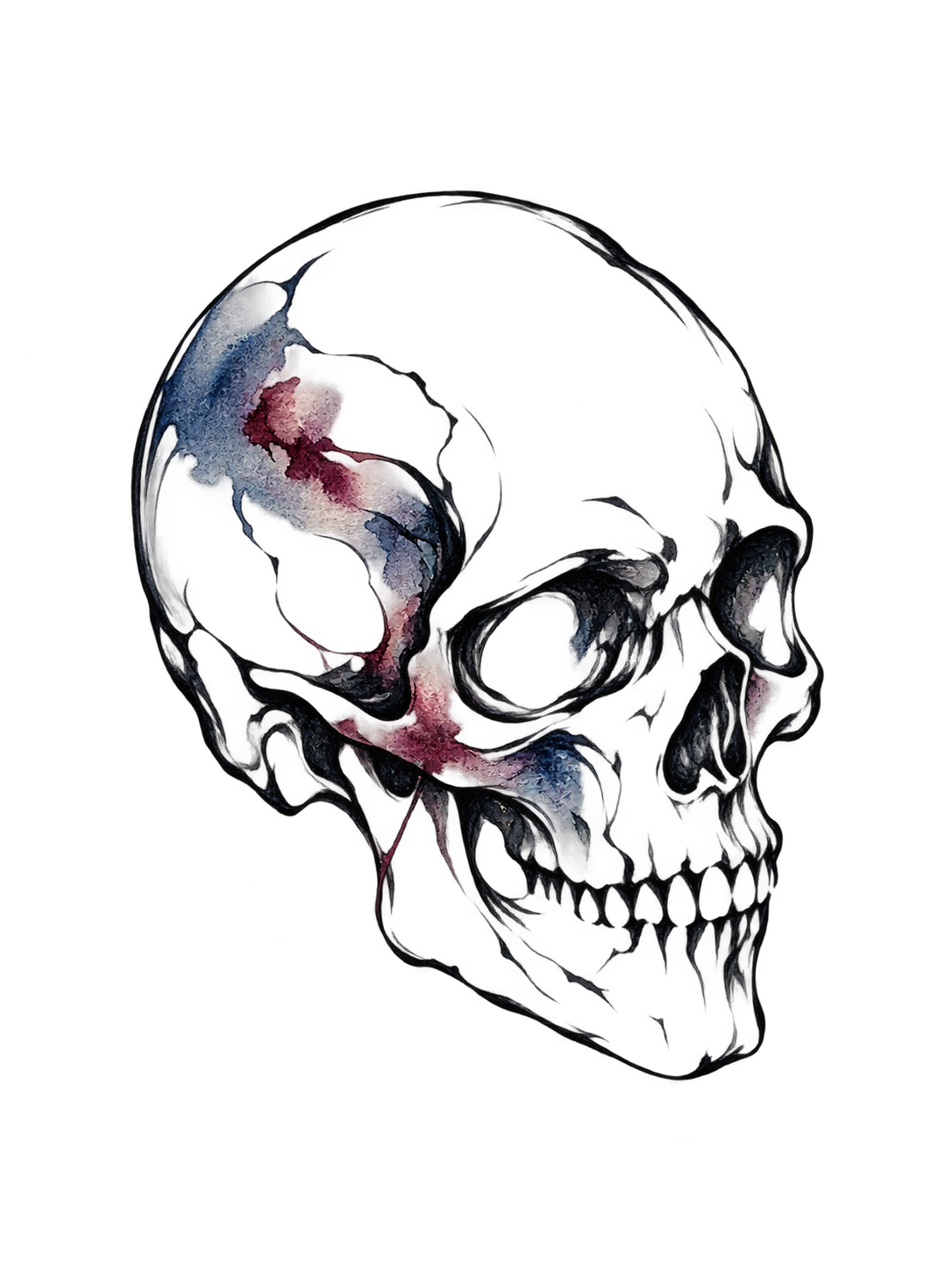
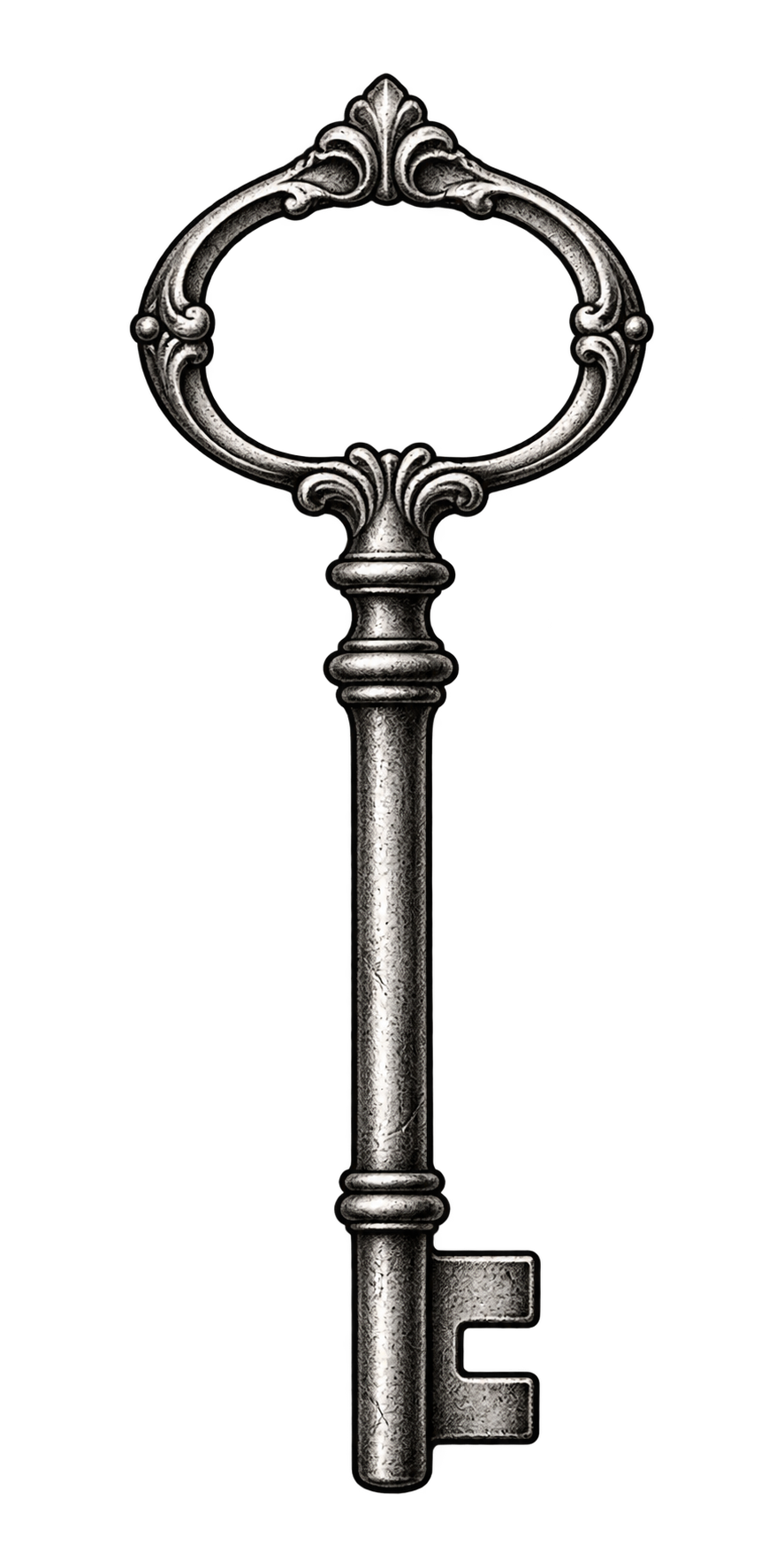
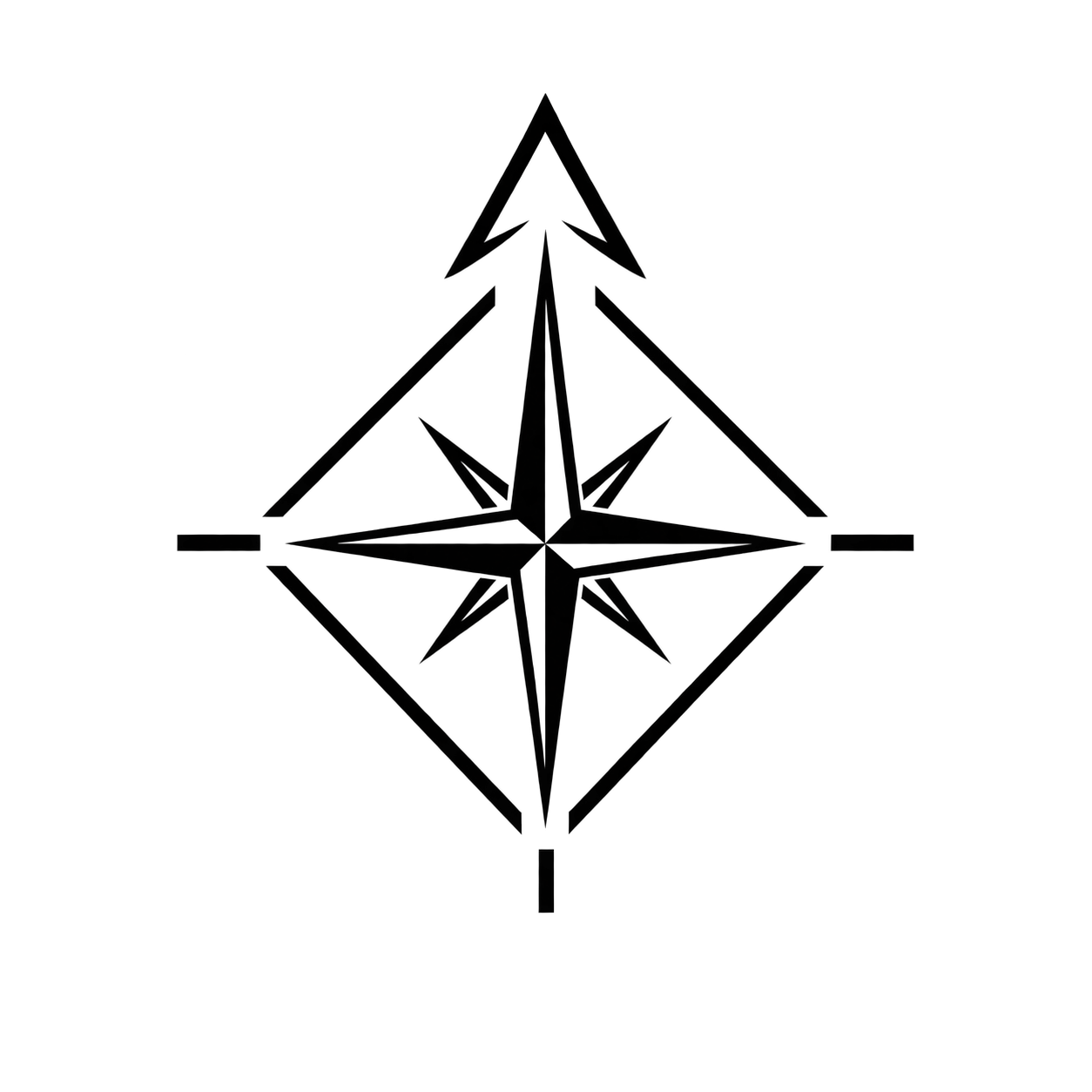



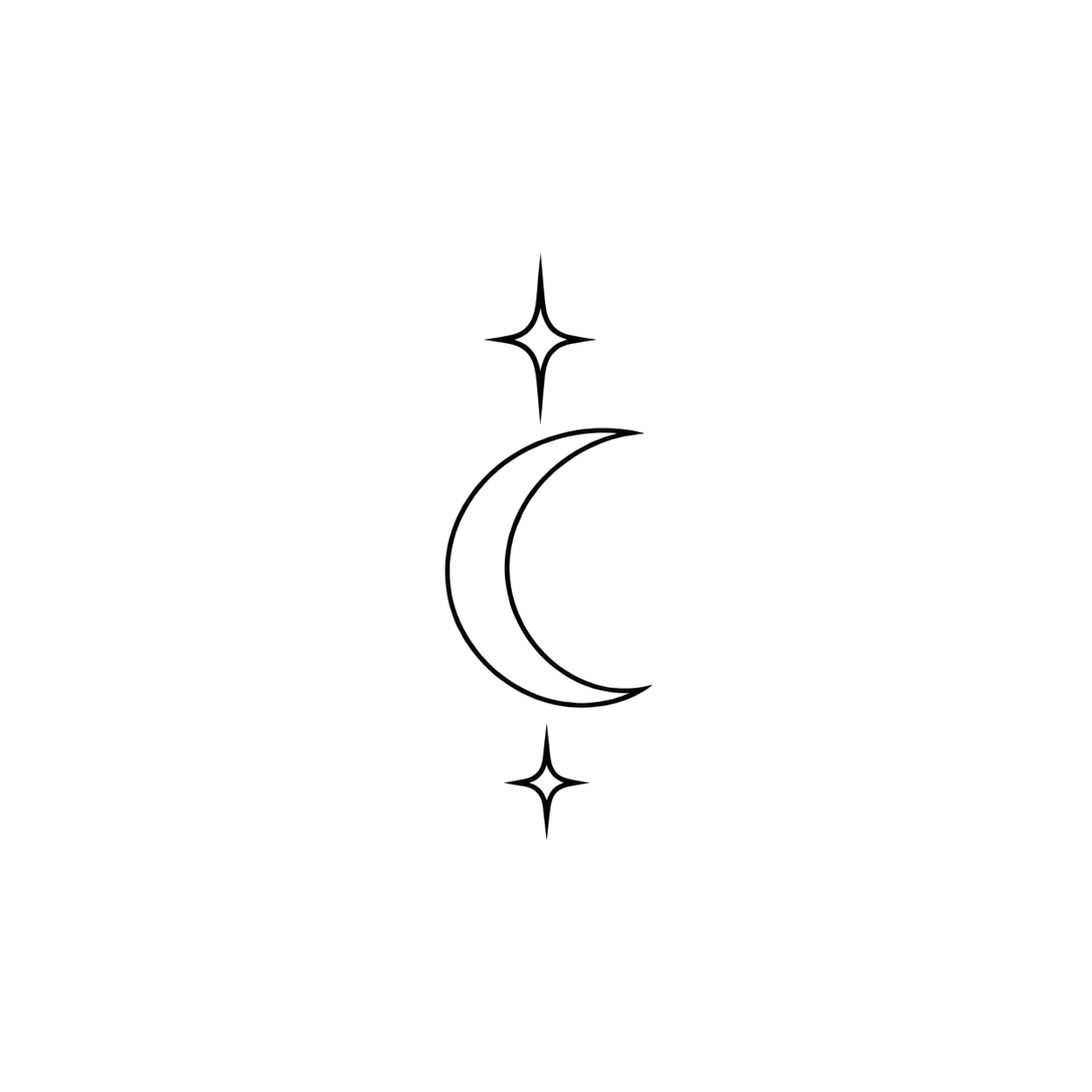

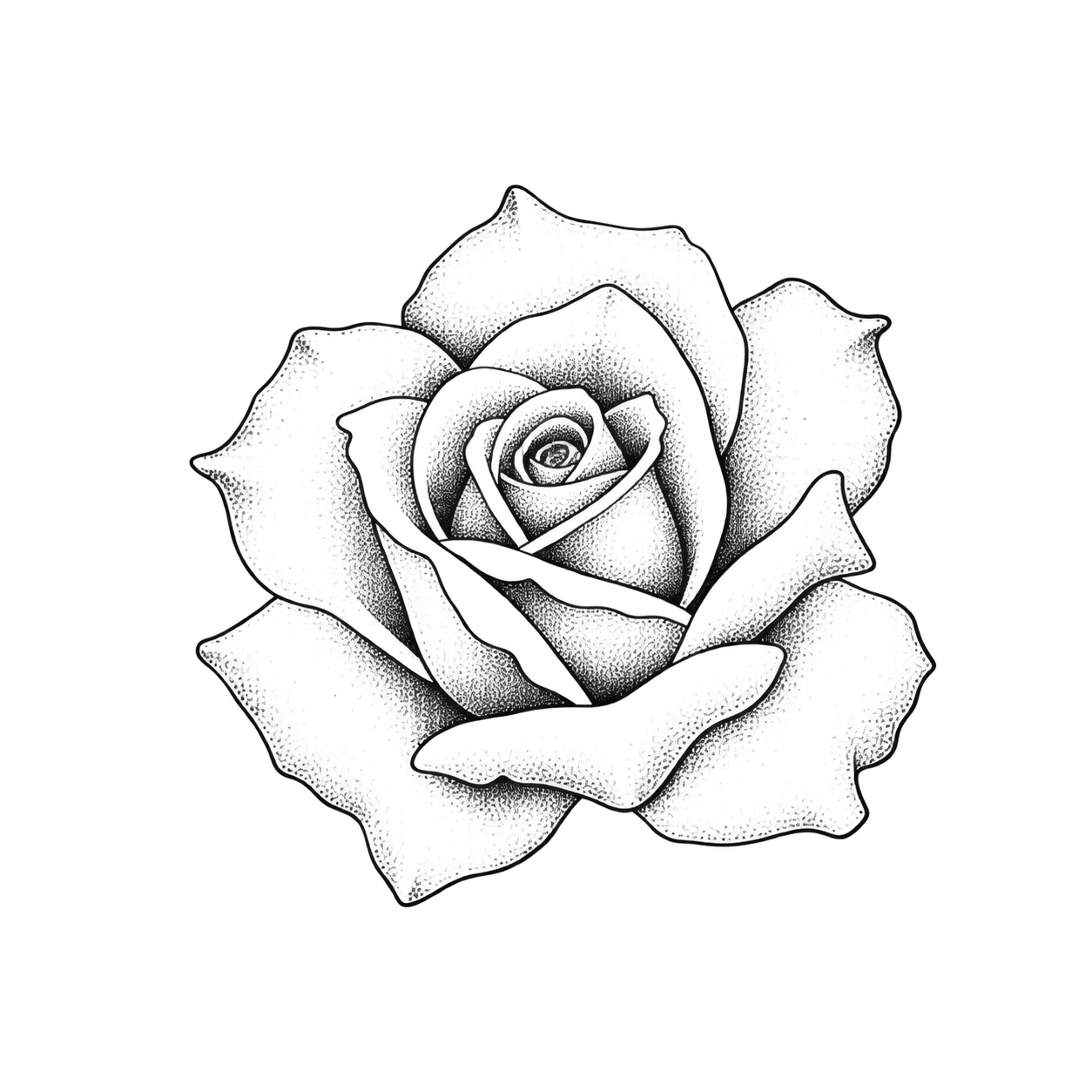
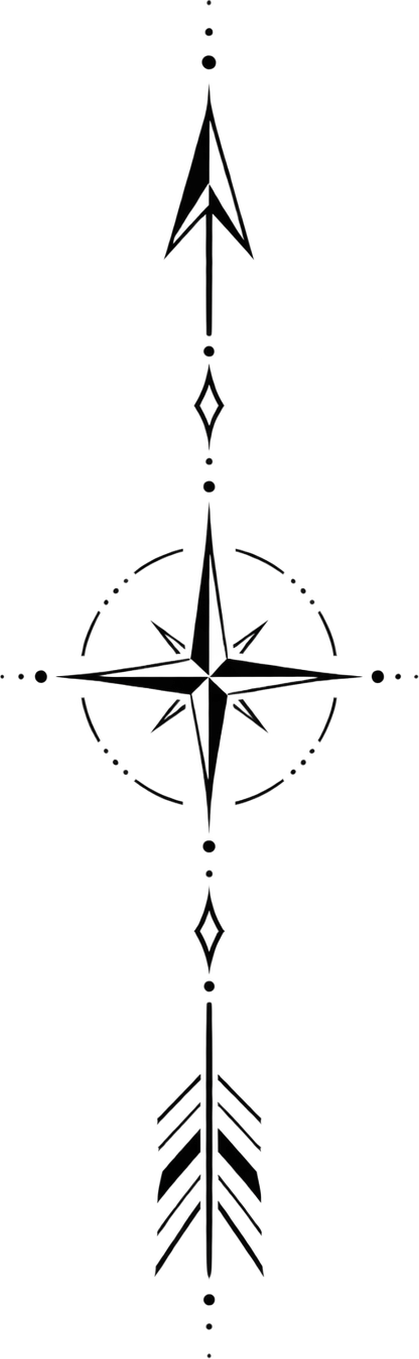


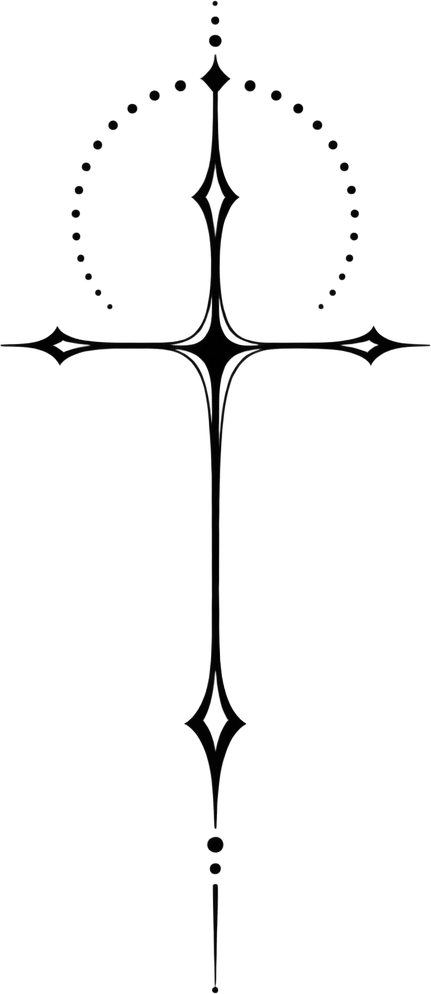

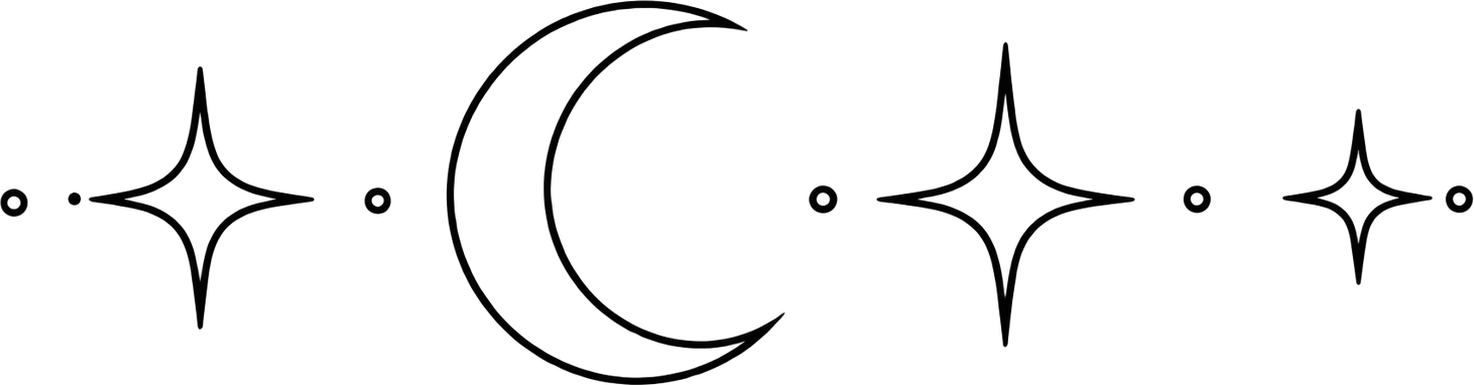
These gallery cases are digital design concepts and virtual placement mockups, not photographs of completed tattoo work. Reference downloads are non-exclusive; review the final design, placement and usage rights before tattooing or commercial use.
How to compare these tattoo references
Try the wrist view you normally see
Photograph the inside or outside of the wrist with the hand relaxed. Use the side you want to tattoo for both versions. Check whether a date or word reads naturally to you, then rotate it toward someone facing you and compare.
Leave room around a small motif
Try the same word, sprig, or symbol in two sizes. Include the wrist crease and the edge of a watch or sleeve in your photo when relevant. Compare space around the design, letter gaps, and the distance from the hand.
Choose one variable to compare
Save a design just above the wrist crease as A. Move it slightly toward the forearm and save B at the same size. Choose the placement you prefer, then repeat with a smaller size. Write the desired size on your artist reference for discussion.
Questions before choosing a reference
Should wrist lettering face me or someone else?
Both orientations can make sense. Save one version to read with your palm up and another with the hand relaxed. Decide which view you expect to see most often and show the artist both options if you are undecided.
Can I plan a wrist band from one photo?
Use the photo to choose the visible section, width and direction. Bring a second photo of the other side so your artist can plan how the band meets and confirm the actual wrist measurements.
Plan the composition for this placement
Pick the wrist view you want to compare first. A short word or narrow sprig can follow the length of the forearm, while a small symbol can sit across the wrist. Use a relaxed wrist photo with the hand and cuff visible so you can see where the composition begins and ends.
Compare before you commit
Open a case in the preview tool or add your own photo. Save one placement as A, change the size or direction, then save B. Download the chosen preview and design with your preferred dimensions for an artist. The preview shows the visible surface. Confirm final size and linework at the consultation.
Compare two placements on one photoExplore related style guides
Explore ideas by body placement
AI-generated reference concepts, not photographs of completed tattoos. Case counts reflect this gallery, not the number of tattoos completed by customers.